EasyManua.ls Logo

Comica CVM-WS50 - Button Operation Guide; Lavalier Transmitter Button Functions; Hand-held Transmitter Button Functions

Comica CVM-WS50
35 pages
Print Icon
To Next Page IconTo Next Page
To Previous Page IconTo Previous Page
Loading...
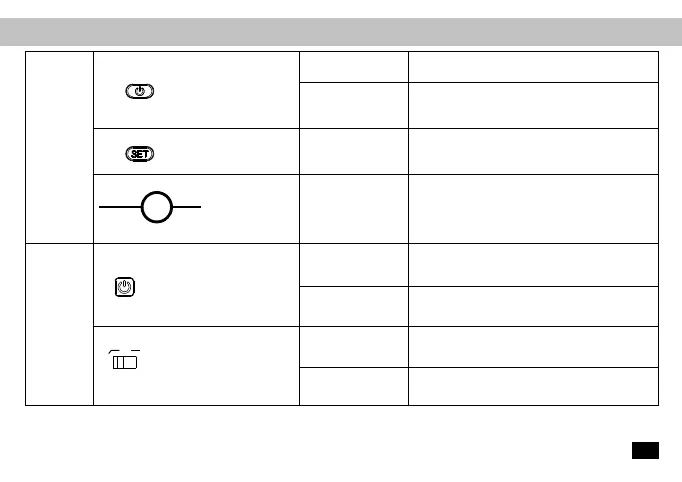
Function Button Instruction
Insert the Mic line for audio recording /
Insert a small object like a pin for reset
Channel Selection
Take effect when the screen is lighted up
Audio Recording /
Reset
Lavalier
Transmitter
On-off//Muting Button
Long Press
Short Press
Short Press
Power On/Off
Muting Mode (Take effect when the screen is
lighted up
Set Button
MIC / LINE Reset
MIC/LINE Input /
Reset Hole
Long Press
Short Press
Left
Right
Power On/Off
Channel Sequence Switch
Low-cut
Normal
Power /CH Setting Button
“Low Cut/ Normal” Audio
Switch
Hand-held
Transmitter
13

Related product manuals