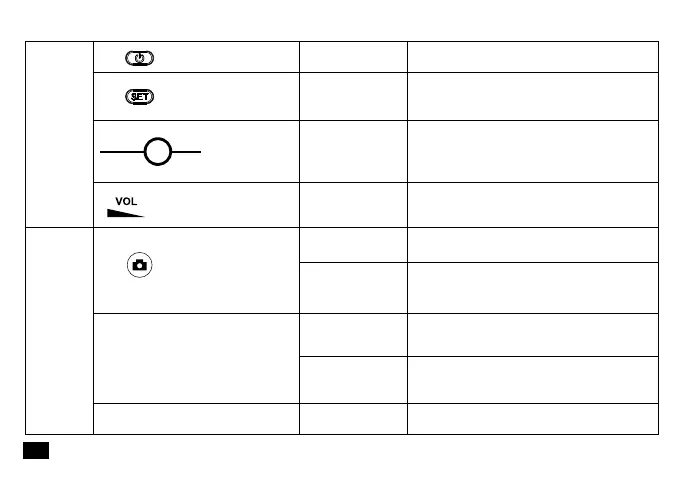
Dial the wheel to
the left/ right
Volume Adjustment
Insert the Mic line for audio output /
Insert a small object like a pin for reset
Short Press
Power On/Off
Channel Selection
(Take effect when the screen is lighted up)
Audio Output /
Reset
Long PressOn-off Button
Set Button
OUTPUT Reset
Audio Output /
Reset Hole
Volume Adjustment Wheel
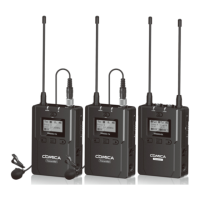
Receiver
Long Press for 2
Seconds
Long Press for 6
Seconds
10 minutes later
In photo mode, press for photo shooting; In
video recording mode, first press to start,
press again to finish
Continuous Capture for 3 Seconds
Reset to default, can be matched with
different smartphone
Auto Power-Off
Long Press for 2
Seconds
Short Press
Power On
On-off Button
Matched with the Smartphone
No Operation
Electronic
Grip
14














 To Next Page