10d
B
A 05 573.125MHz
B
1 1
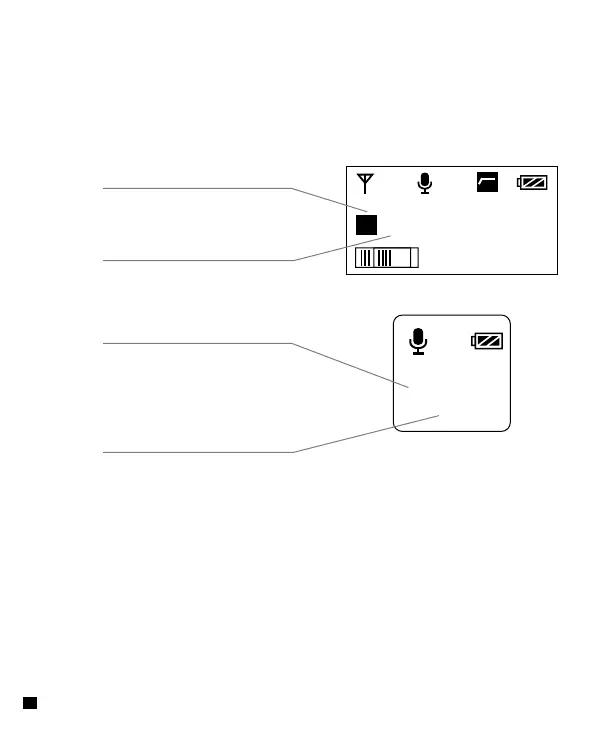
Switch the corresponding Group
with the Receiver
(
Hand-held Transmitter
)
Switch the corresponding Channel
with the Receiver
4.3 When the two working status light indicators of Receiver keeps
on in GREEN, it matched successfully
4.2 Switch the Group of each transmitter to 'A' or 'B' and adjust the
channel of 'A' and 'B' corresponding to the receiver. After above
steps, it will be connected automatically
Switch the corresponding Group
with the Receiver
(
Lavalier Transmitter
)
Switch the corresponding Channel
with the Receiver
16














 To Next Page