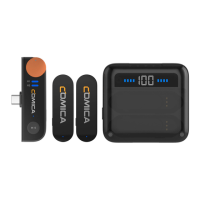
Unpaired (Re-pairing is required when the connection fails. Please follow the method below)
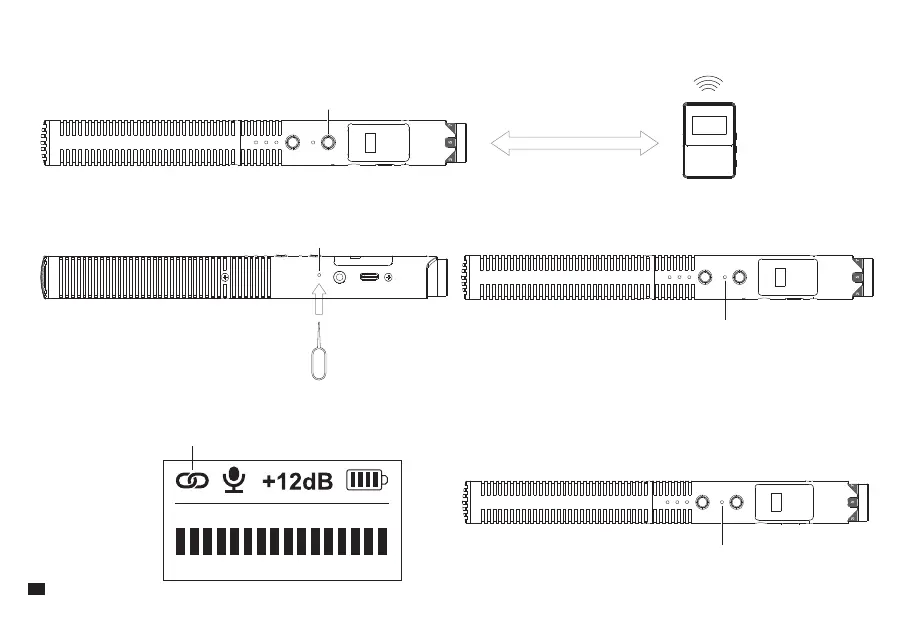
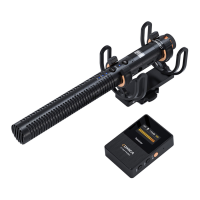
1. Keep the shotgun microphone and receiver within 1m range
2. Short-press the shotgun microphone's pairing hole with the equipped pin, making it enter the wireless pairing state. Before pairing, the indicator light
flashes blue
3. When pairing, the wireless icon on the screen turns into a paired icon; when paired, the indicator light keeps blue on
RF Button
Pairing Hole
Paired
Indicator Light Flashes Blue
Indicator Light Keeps Blue On
1M
10


 To Next Page