Q3: The USB flash drive is damaged and cannot be opened
*Please visit ComMarker's official website to download the driver and software.
*Contact after-sales team by email.
Q4: The red light preview works with a rectangle, but there is no mark or the marks are very light
*Please adjust the focal length; please refer to operation instruction step 4 for debugging methods.
*Contact after-sales team by email.
Q5: Cannot find dongle, software will work at demo state, or Fail to open lmc driver
*The machine is not powered on, or the machine is not connected to the computer. Please turn it on and make sure the
data cable is connected to the computer.
Q6. The size of preview and the engraving area is inconsistent with the size in the software, the red light
preview is inconsistent with the actual engraving position, or preview and the mark are not horizontal or
vertical but with angles.
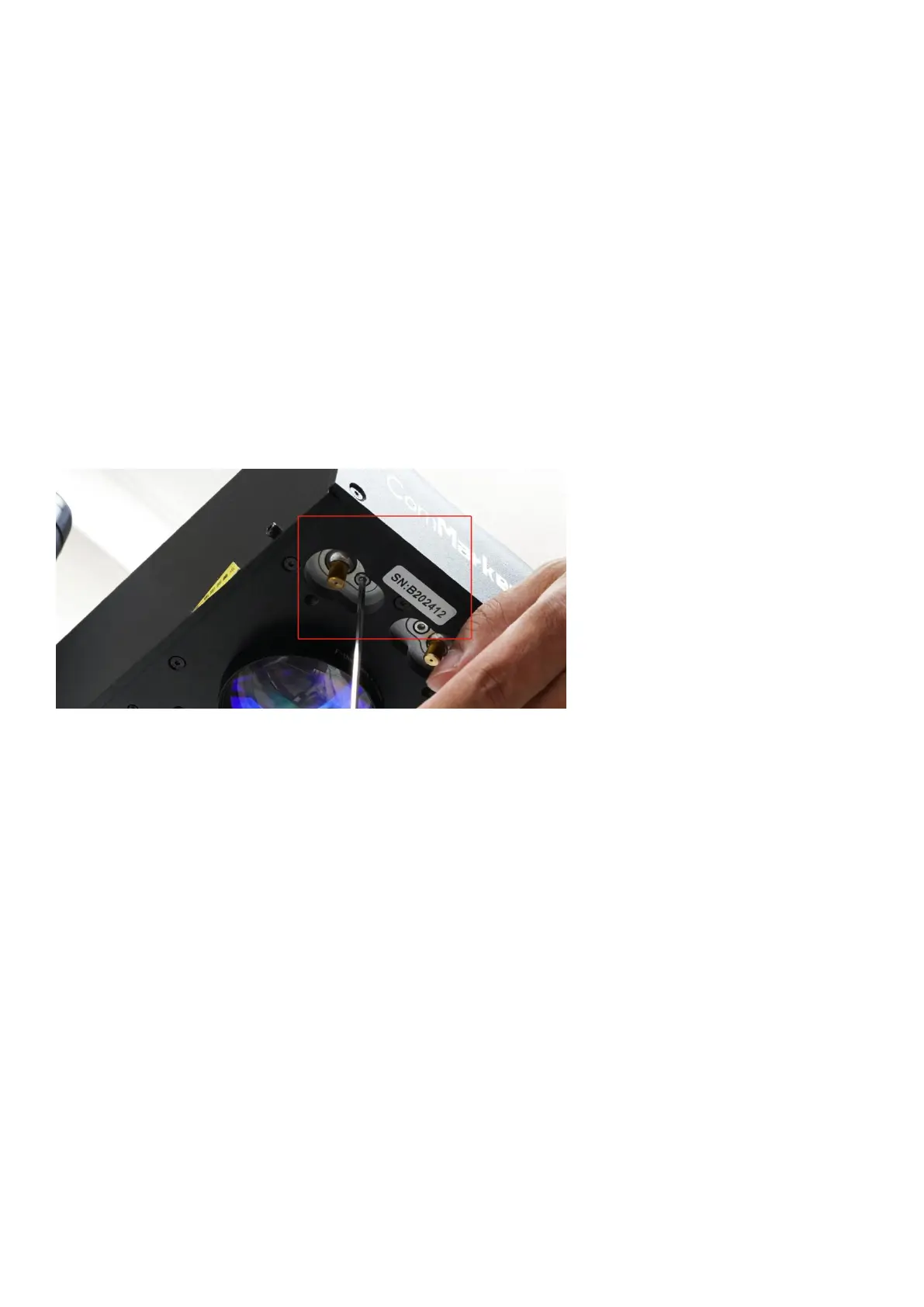
*Import the calibration file we include in the USB drive together with the machine, please refer to step 3 of the operating
instructions. You can also ask for a new calibration file with the SN number with after-sales team by email.
*If the problem not solved, select "Parameter (F3)", select "Other “and “Red light pointer”. Input numbers in “Offset X"
and "Offset Y"according to the actual deviation number based on the measurement with a ruler. The number can be
positive or negative. The red light will change in different directions at the positive and negative values.


 To Next Page
 Loading...

