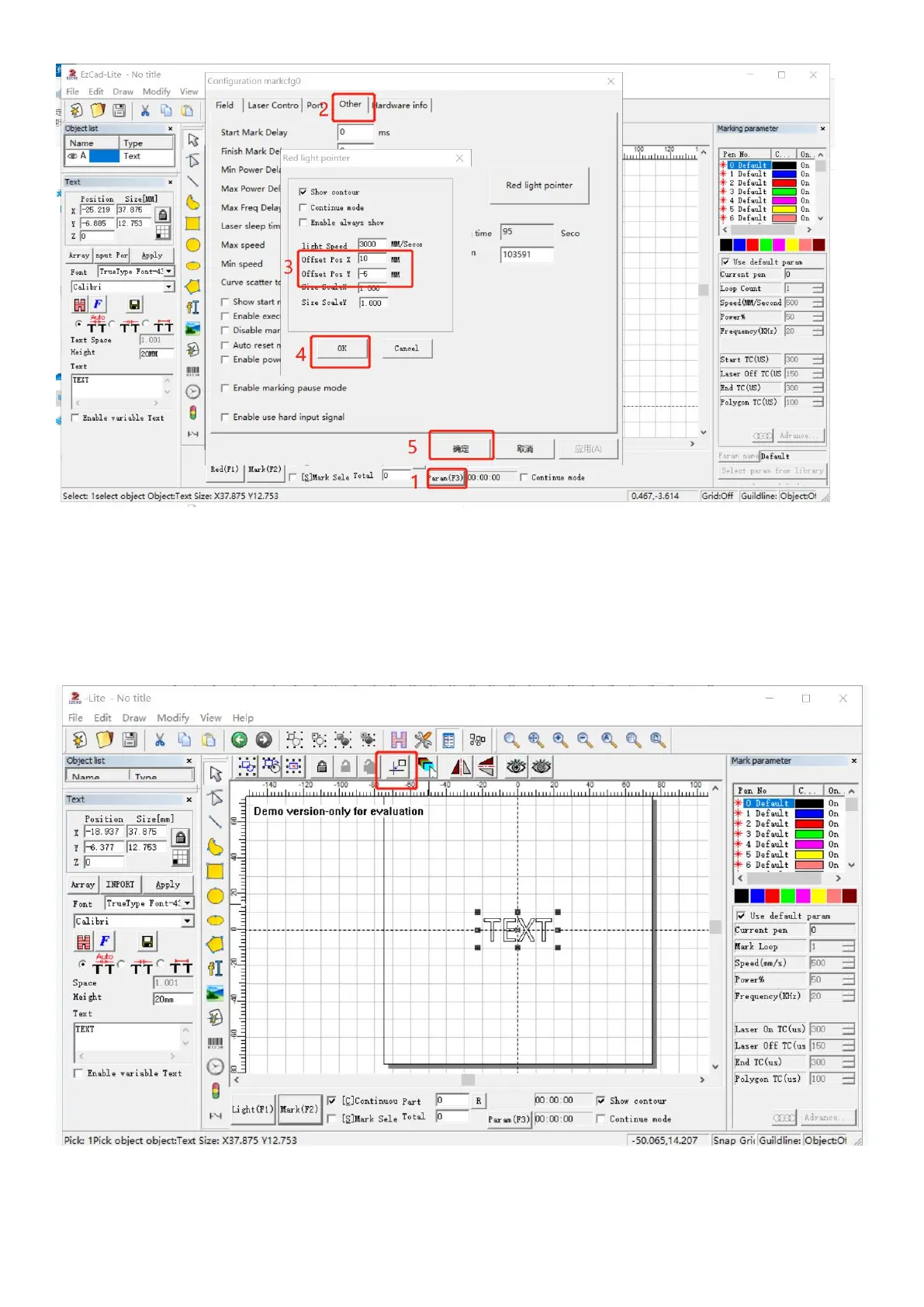
Q7: The preview and the shape of the mark is deformed
*Import the calibration file, please refer to step 3 of the operating instructions
*If it still doesn't work, please contact after-sales staff or email us
Q8: Nothing displays on canvas board when importing text or picture
*Please click the practical center button, the picture and text are in the center of the canvas
Note: This manual will be continuously updated. Please download the latest e-version manual on our website.



 To Next Page