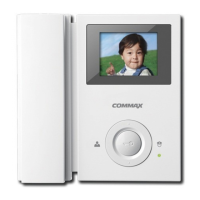
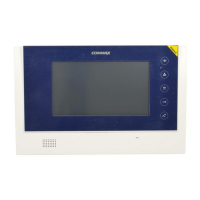
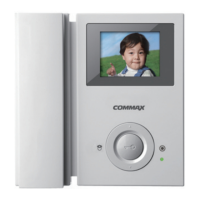
3.
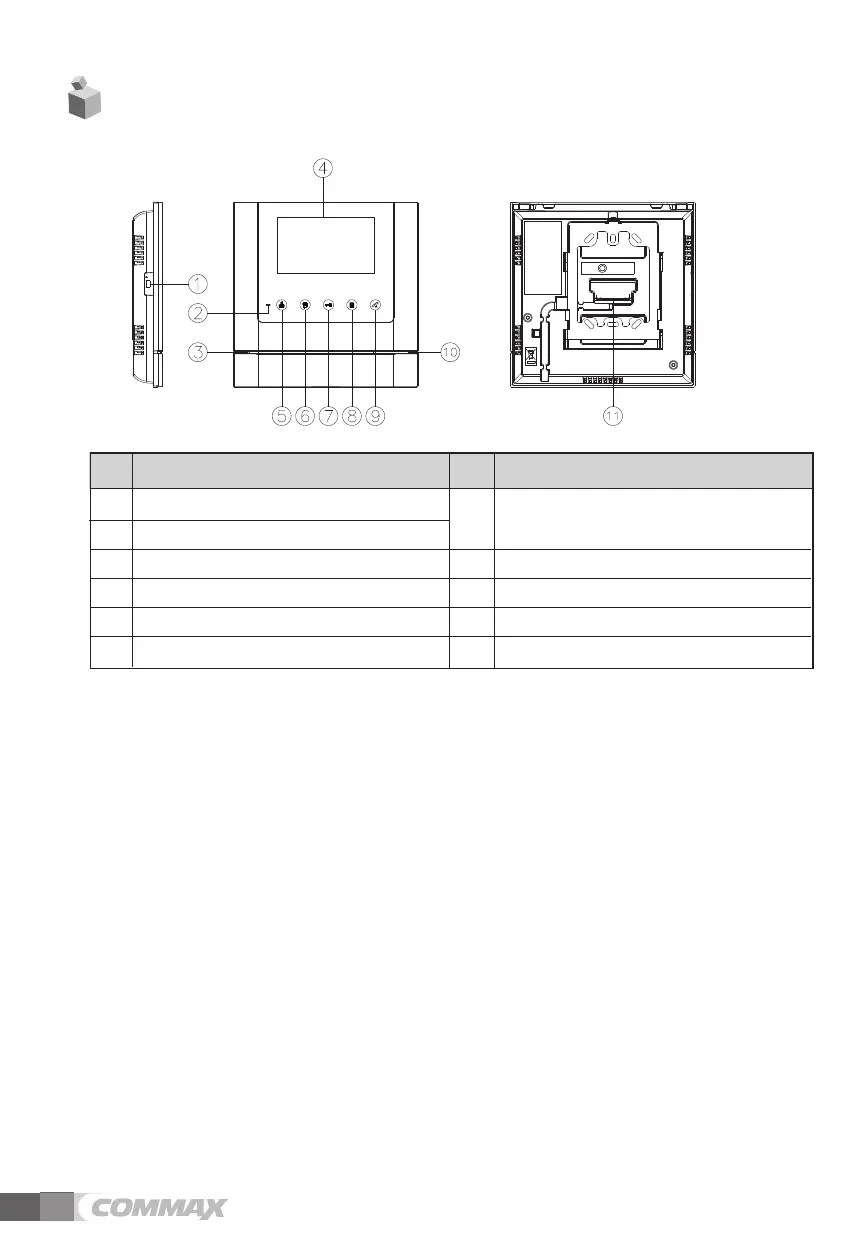
Part names and functions
4
내 용
1
Power ON/OFF switch
7
Door release button (UP button) : It’s for door
release or moving to the other menu item
2
Power LED
8
MENU(Menu button)
3
Microphone
9
Talk button
4
Monitor(LCD) : It shows the visitor’s image.
10
Speaker
5
Monitor button(SELECT button)
11
Terminal for external connection
6
Guard button (DOWN button)
번호 내 용번호
1.
Power ON/OFF switch : It’s for the product’s ON/OFF.
2.
Power LED : It shows the product’s ON status.
3.
Microphone
4.
Monitor(LCD) : It shows the visitor’s image.
5.
Monitor button(SELECT button) : It shows the status of camera, during the menu selection.
6.
Guard button (DOWN button) : It’s for calling to the guard station or moving the other menu item.
7.
Door release button (UP button) : It’s for door release or moving to the other menu item
8.
MENU(Menu button) :
It’s available to move to product’s setup menu for adjusting the screen and receiver volume.
9.
Talk button: It is used for a response to a visitor’s calling and talk.
10.
Speaker
11.
Terminal for external connection :
It’s for the connection of door camera and lobby and guard station


 To Next Page