14
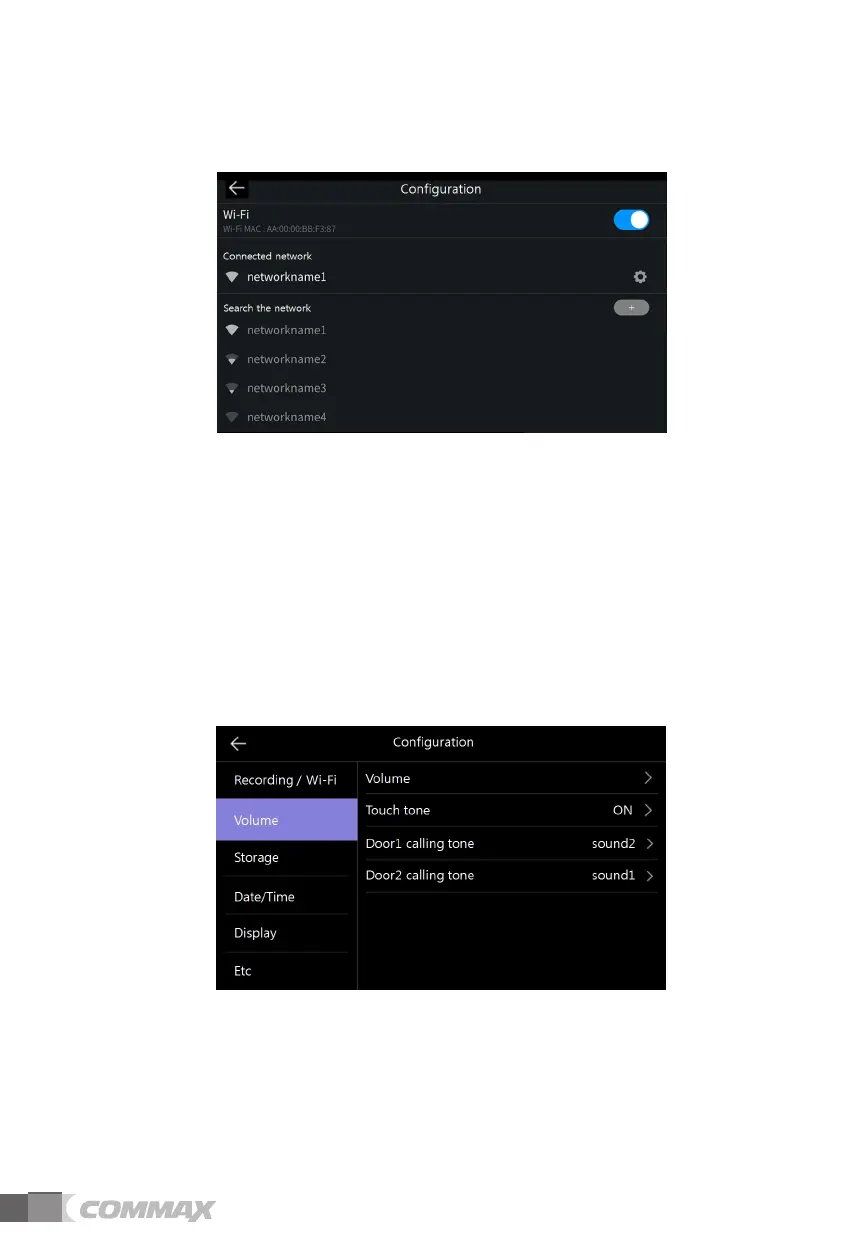
3) Wi-Fi : Wireless network connection
- Settings -> Recording / Wi-Fi -> Wi-Fi
- Wi-Fi connection :
Click the check box to turn on or off Wi-Fi
You can search surrounding network and connect to selected wireless network.
Select the Wi-Fi from the network list of auto-discovered and enter the password to connect
- Add Wi-Fi derectly :
When the Wi-Fi you want is not discovered, you can add it entering the Wi-Fi information directly to
the list.
Select 'Add Wi-Fi network' icon ('+') at the top of Wi-Fi list.
Enter name of network, , enter the password.
ྚ Volume
1) Volume
- When individual door camera (entrance) and intercom calls, you can change the calling tone and
receiving tone individually.
- You can change the calling tone from 0 (mute) to 3 level and the receiving tone from
1 to 3 level.



 To Next Page