15
2) Touch sound
- To turn on / off the touch tone.
3) Interphone calling tone (sound), Door1, Door2.
- You can select calling tone of interphone and individual door camera. (Door1, Door2)
- 6 types of calling tones are available.
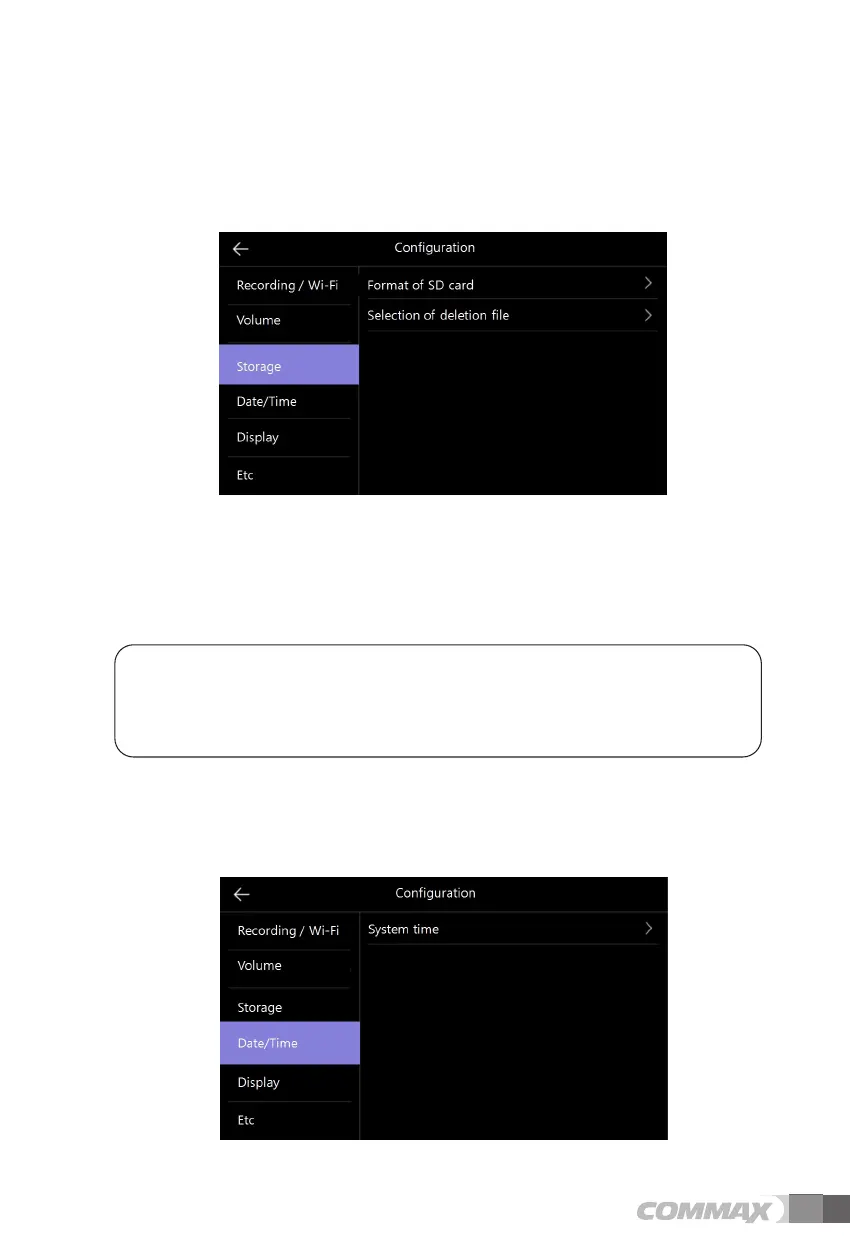
ྛ Storage
1) SD card format
- To initialize the SD card.
- It takes about 1 minutes for initialization. (It can be different by types of SD card).
2) Selection of deletion file
- To delete the saved images and videos.
- The time required varies depending on the file size.
* Cautions
- It is not available to receive a call while initializing SD card or deleting saved files.
- If you start initialization of SD card, it is not possible to stop it.
In case of inevitable ending initialization, it is necessary to start again from the beginning.
ྜ Date/Time



 To Next Page