16
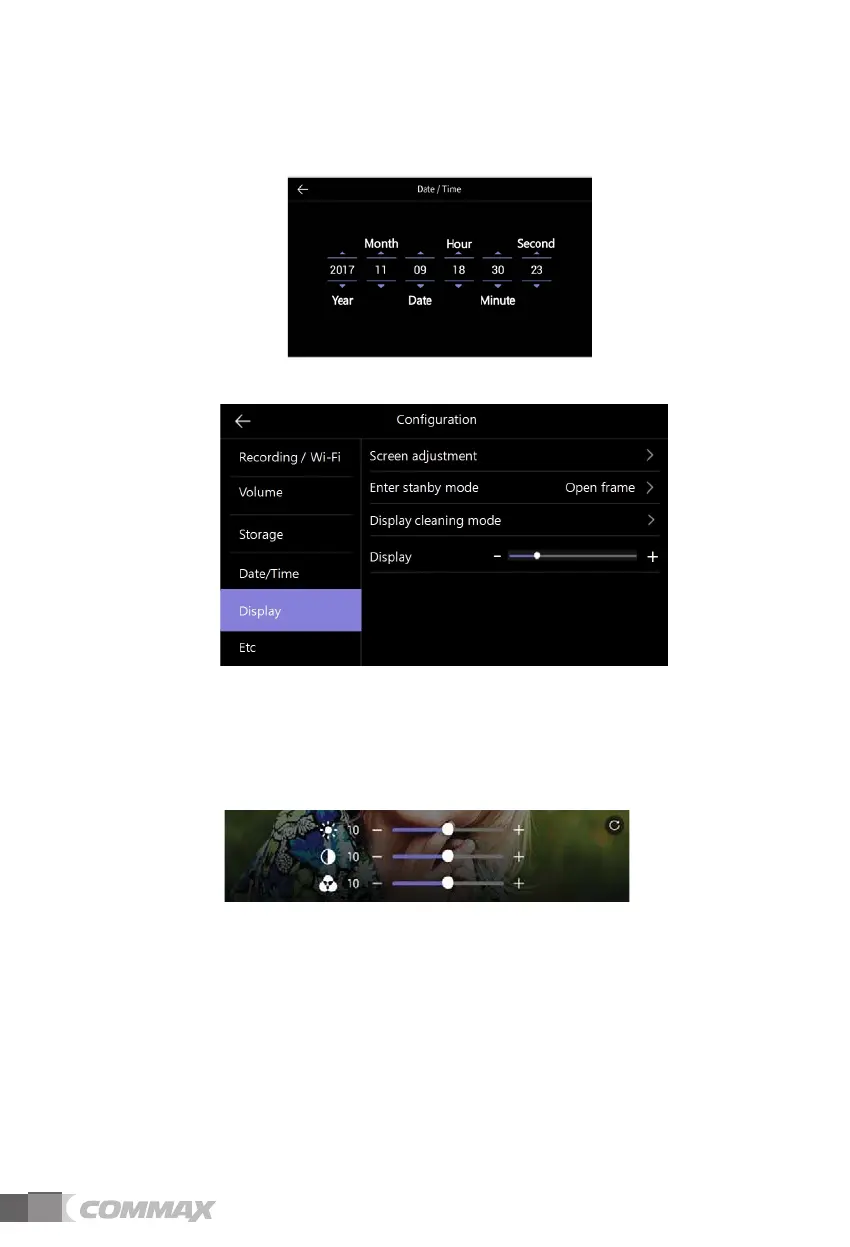
1) System time
- To Set-up Date and Time.
- The changed time will be displayed on the main screen afterward.
ྜྷ Display
1) Screen adjustment
- Brightness/ Luminosity / Chroma adjustment is available as below picture.
(In this case, you can adjust the display of door camera.)
- The range for adjustment is 0-20 level. There is a button located on the right upper
for initialization.
2) Enter standby mode
- Various standby modes can be set.



 To Next Page