17
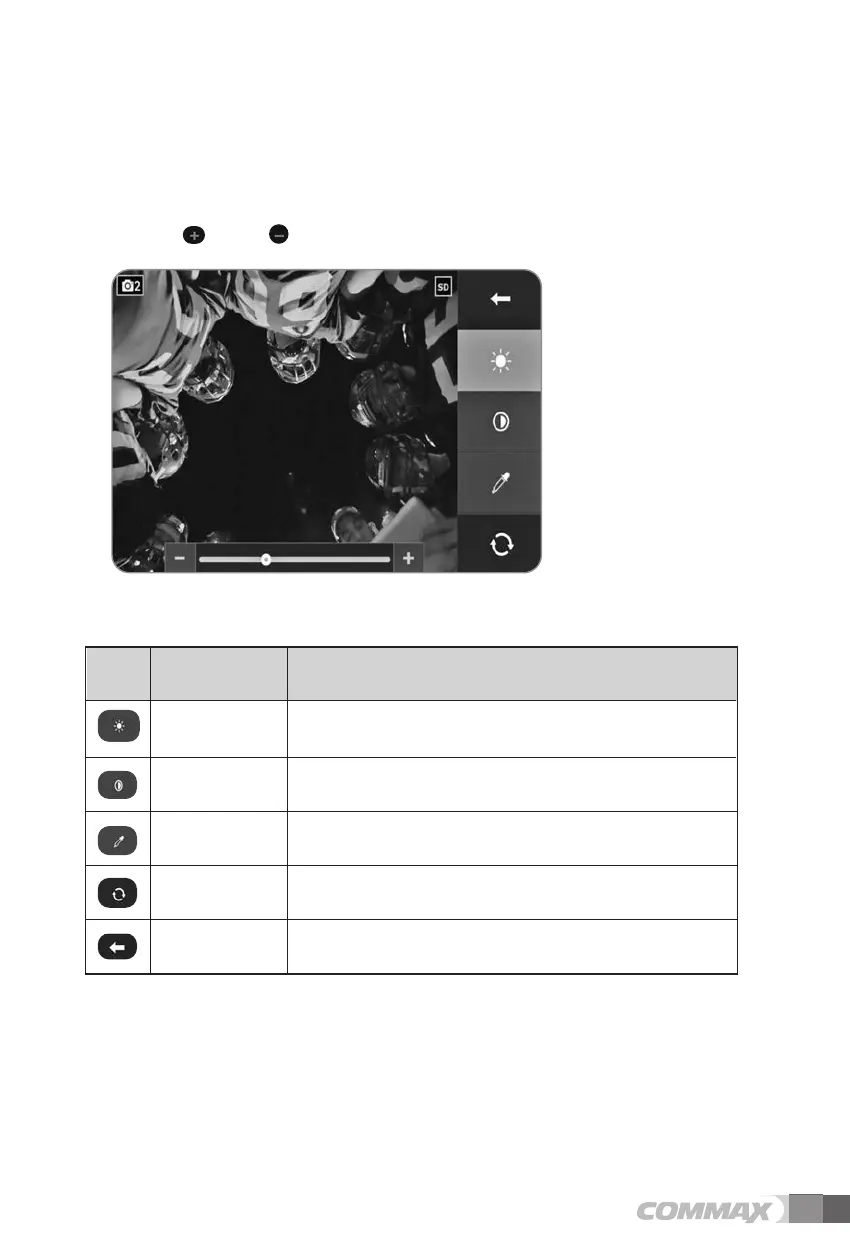
(8) Display
Brightness, contrast, and hue can be set in this menu.
Touch the category that you wish to adjust.
Touch " " or " " Icon to change the value.
Adjust the brightness. BRIGHTNESS
Adjust the contrast. CONTRAS
Adjust the color. HUE
All values are reset to default settings
(Brightness, Contrast, Hue reset to the middle).
Reset
Icon Description Function
Icons and description
Move to previous menu or screen. Prev



 To Next Page