18
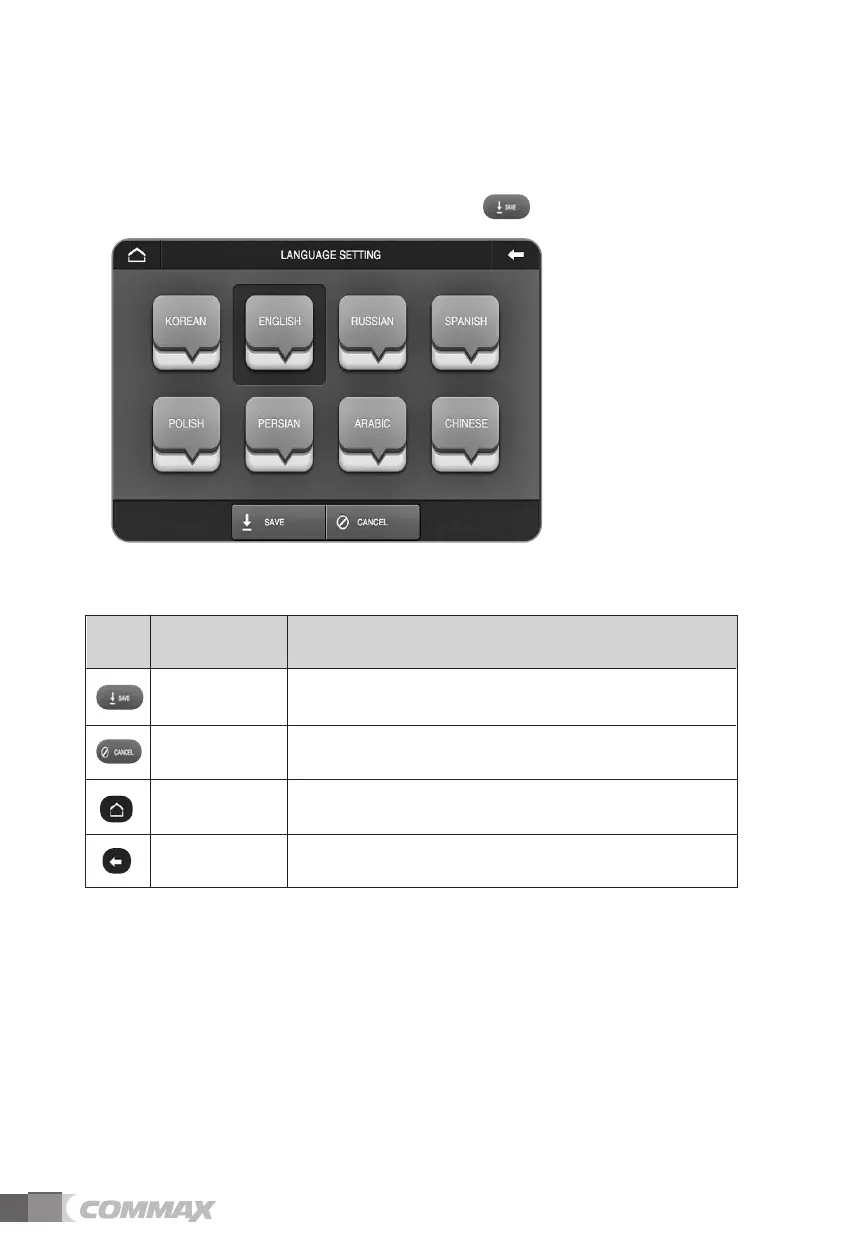
(9) Language
Language setup is enabled in this menu (Default language settings is English).
Select the language you wish to set and touch to complete the settings.
Save the language settings. Save
Cancel the language settings.Cancel
Return to main menu. Home
Move to previous menu or screen. Prev
Icon Description Function
Icons and description



 To Next Page