19
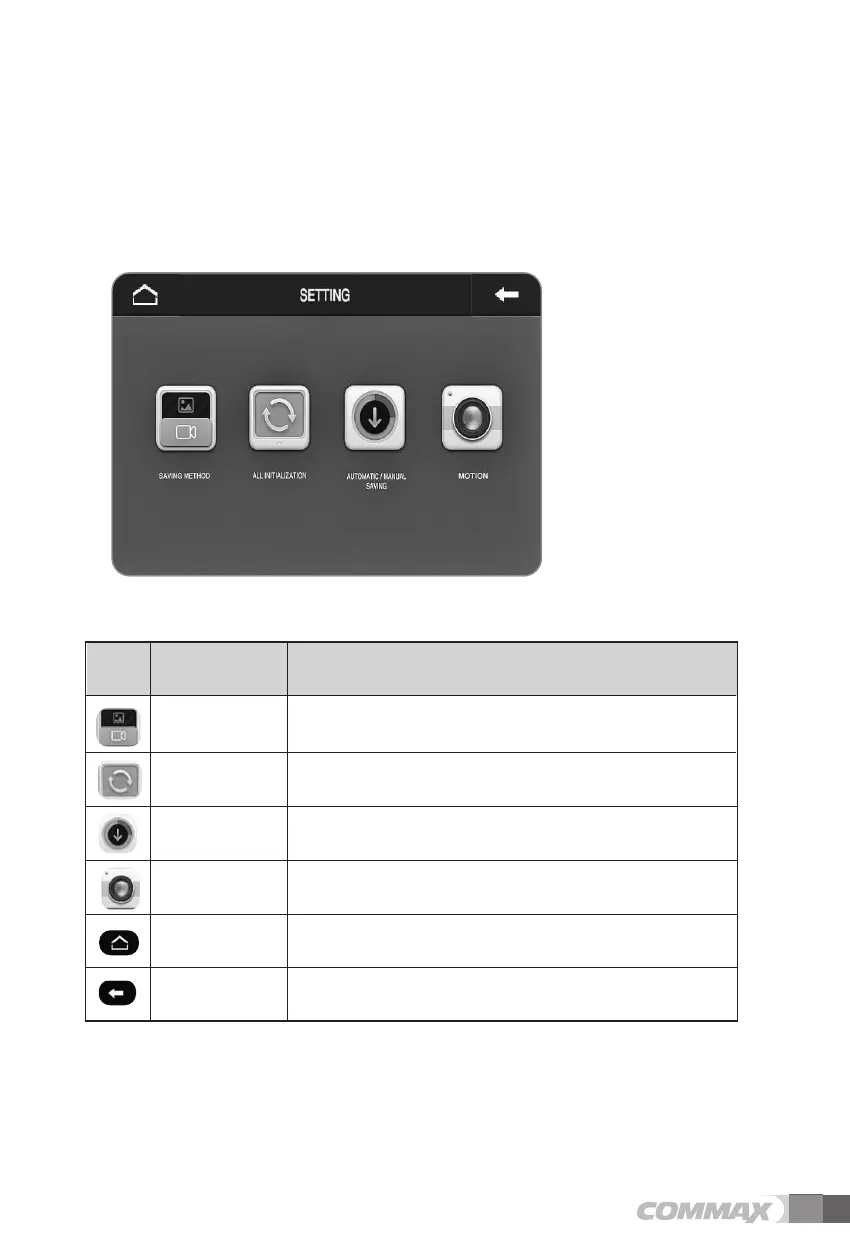
(10) More (settings for other functions)
Settings for Saving Method (video or still image), Reset All Settings,
Automatic/Manual Saving, and Motion detection (of CCTV camera) is enabled in this
menu.
Recording option setup. (Video / Still image) Saving Method
All settings of the device including recorded
video and still image data are to be reset and deleted.
All Initialization
(Reset All Settings)
Select recording option from Automatic and Manual.
Automatic/Manual
Saving
Settings for motion detection option of CCTV
cameras connected to the videophone.
Motion
Icon Description Function
Icons and description
Return to main menu. Home
Move to previous menu or screen. Prev



 To Next Page