20
(11) Saving Method
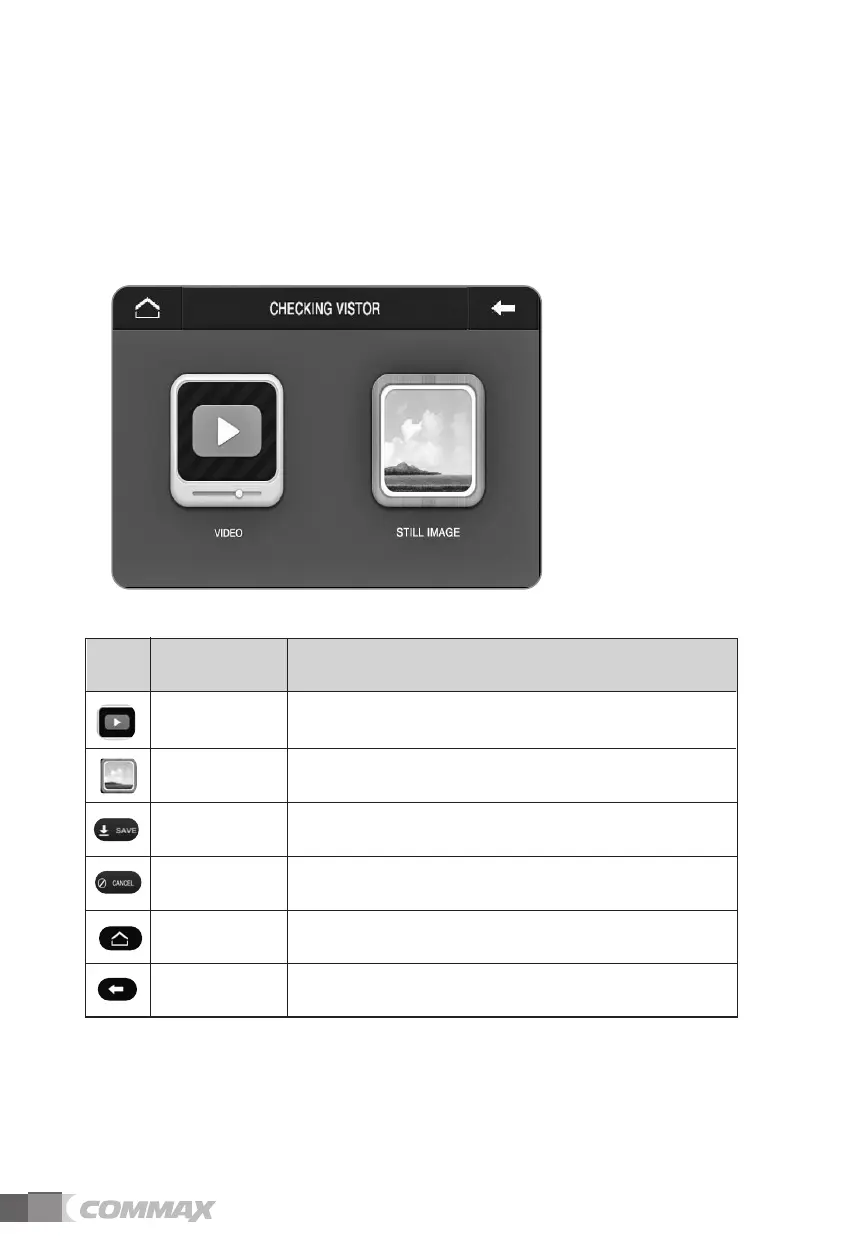
Recording option can be selected between video and still image.
If video is selected, video is recorded and audio is also recorded for door camera
recording. CCTV camera recording is only for video.
If still image is selected, only the still image is recorded.
If selected, video is recorded(both video & audio
recording is for door camera recording.)
Video
If selected, still images are recorded. Still Image
Save video or still image depending on
the recording option.
Save
Cancel recording option settings. Cancel
Icon Description Function
Icons and description
Return to main menu. Home
Move to previous menu or screen. Prev



 To Next Page