26
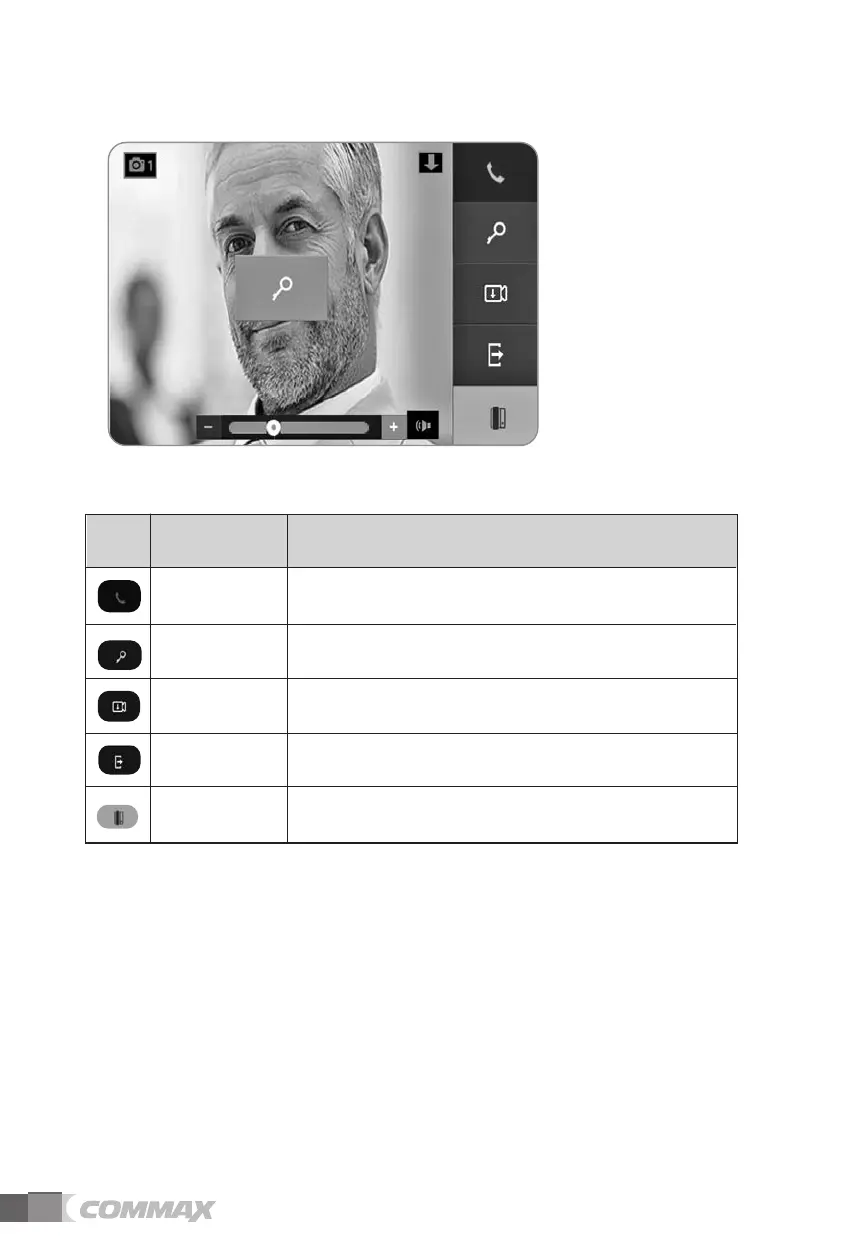
Call
Door release
Record video or still images manually by
touching the icon during a call.
Manual Saving
Reject a call when paged from a door camera(video and ringtone become off
and enter standby mode) or Exit from current menu.
Reject call
(Exit)
Page the sub-interphone connected to the videophone. Interphone
Icon Description Function
Icons and description
Touch to release a door lock during a call.
To start a call or end a call.



 To Next Page