25
(15) Page, Call, and Door release
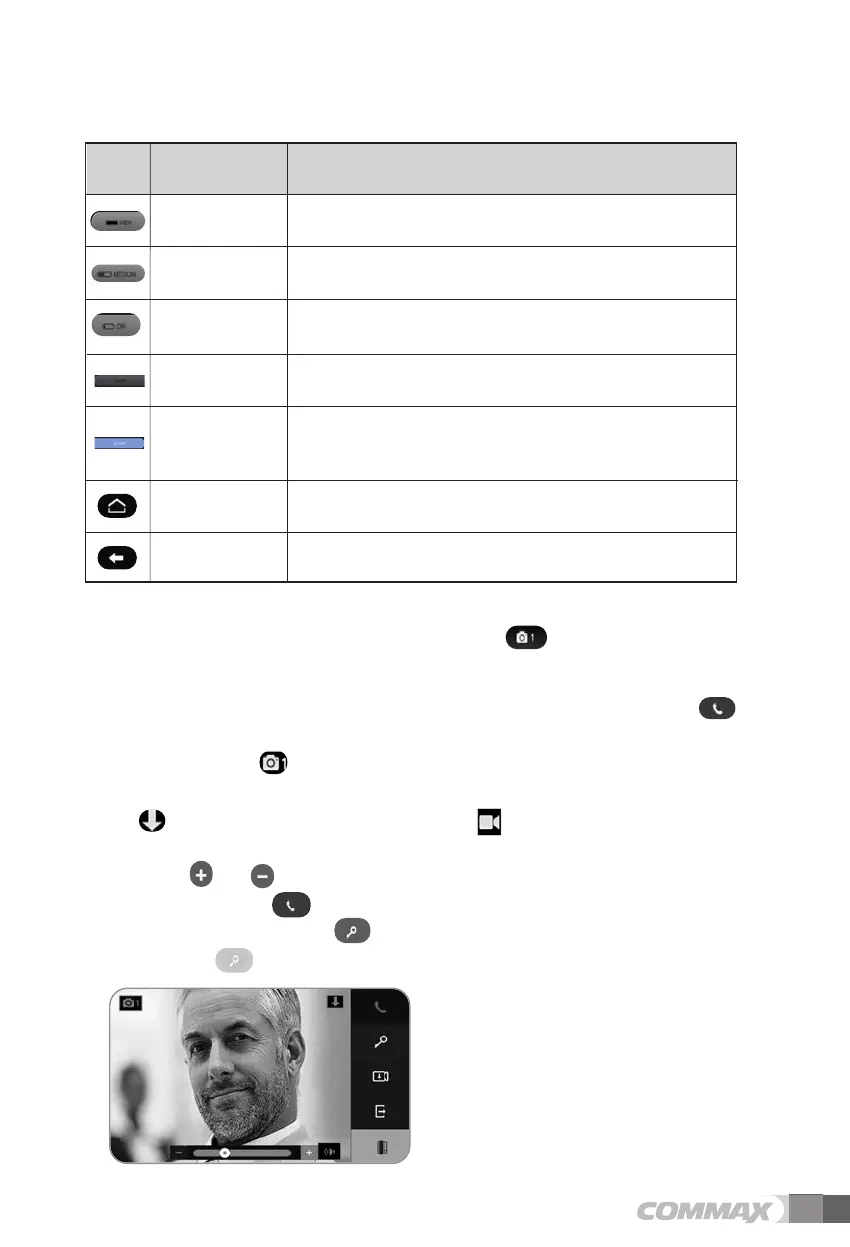
When paged from a door camera or the visitor icon is touched, the door camera
view is displayed on the LCD screen.
As the door camera view is displayed on the screen, touch the call icon to
connect to the door phone.
- The camera icon located on the upper left corner of the screen indicates which
camera view is displayed.
- icon for still image recording mode or icon for video recording mode is
displayed on the upper right corner of the screen.
- Touch or next to icon to control the call volume during a call.
Touch the call icon to end a call.
Touch the door release icon during a call to release the door lock. The blue door
release icon is displayed in the center of the screen and the door is released.
The sensitivity of Motion detection is high.
MOTION
SENTITIVITY HIGH
Icon Description Function
The sensitivity of Motion detection is medium.
MOTION
SENTITIVITY
MEDIUM
The sensitivity of Motion detection is low.
MOTION
SENTITIVITY LOW
By motion detection, show you images that storage
in the LCD screen.
LCD ON
Move on to previous menu.PREVIOUS
Move on to main menuHome
LCD OFF
By motion detection, does not show you images that
stored in the LCD screen.
(If you save some images, only power LED will blink)



 To Next Page