10
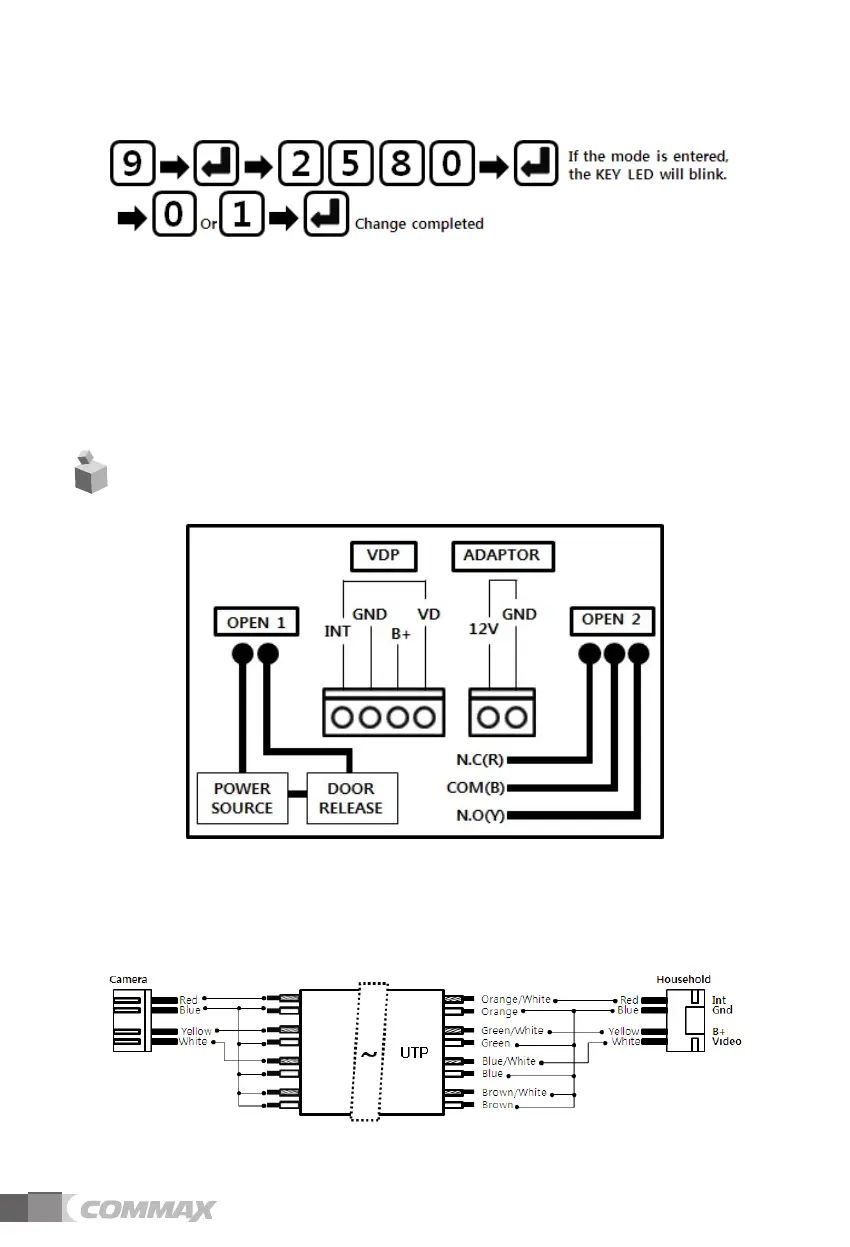
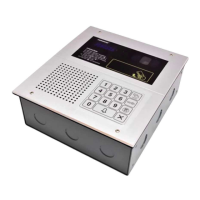
9) Touch LED setting
①
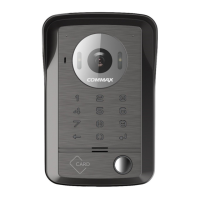
Press program number (9) and press OK button (E)
② Enter the password and press the OK button (E).
③ If touch LED setting mode is successfully entered, the KEY LED will blink.
④
LED ON only when the key touched: Input 0
LED ON every time with power supplied: Input 1
⑤ After entering the number, press the OK button (E) and the key LED stops blinking
and the setting is completed.
3.
Wiring Diagram
* Precautions
- When wiring the household monitor, connect as follows.
Failure to do the wiring as shown below may cause the video / audio noise.


 To Next Page