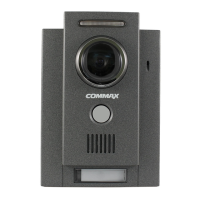
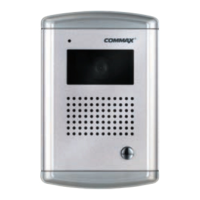
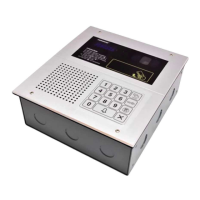
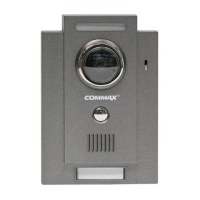
1.
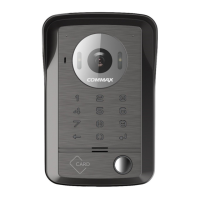
Overview
4
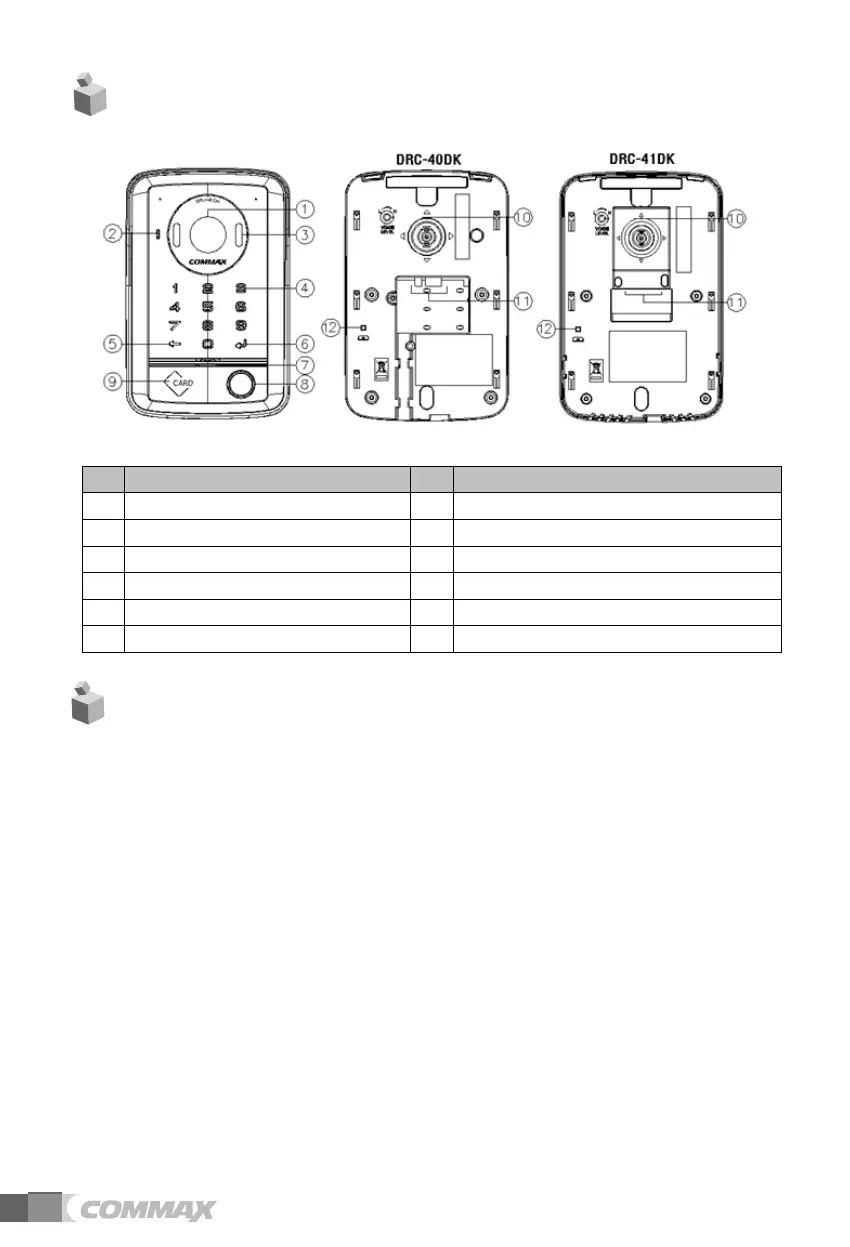
No. contents No. contents
1
Camera
6 Enter button
2
Microphone
7 Speaker
3 White LED & Illuminance sensor 8 Call button
4 Keypad button 9 RF Card Tag
5 Back/Cancel button 10 Camera angle adjustment
11 Connecting port/ WIRE for door realese 12 Anti-theft switch
2.
How to use
* Default behavior
- This product uses DC 12V / 1A adapter (RF-1A recommended, sold separately).
- If the power supply from the adapter is poor (disconnection or malfunction), the power
supplied from the monitor can be used as an emergency power source.
<Notes when using emergency power>
1) The emergency power source is supplied from monitor for 30 seconds when the
monitor is called by the camera.
2) In this case, some functions may cause difference from normal operation.
(Required function such as door opening is normal.)
3) Emergency power may not be used if wiring is poor or the distance is too long.


 To Next Page