6
2-2-1. Password setting
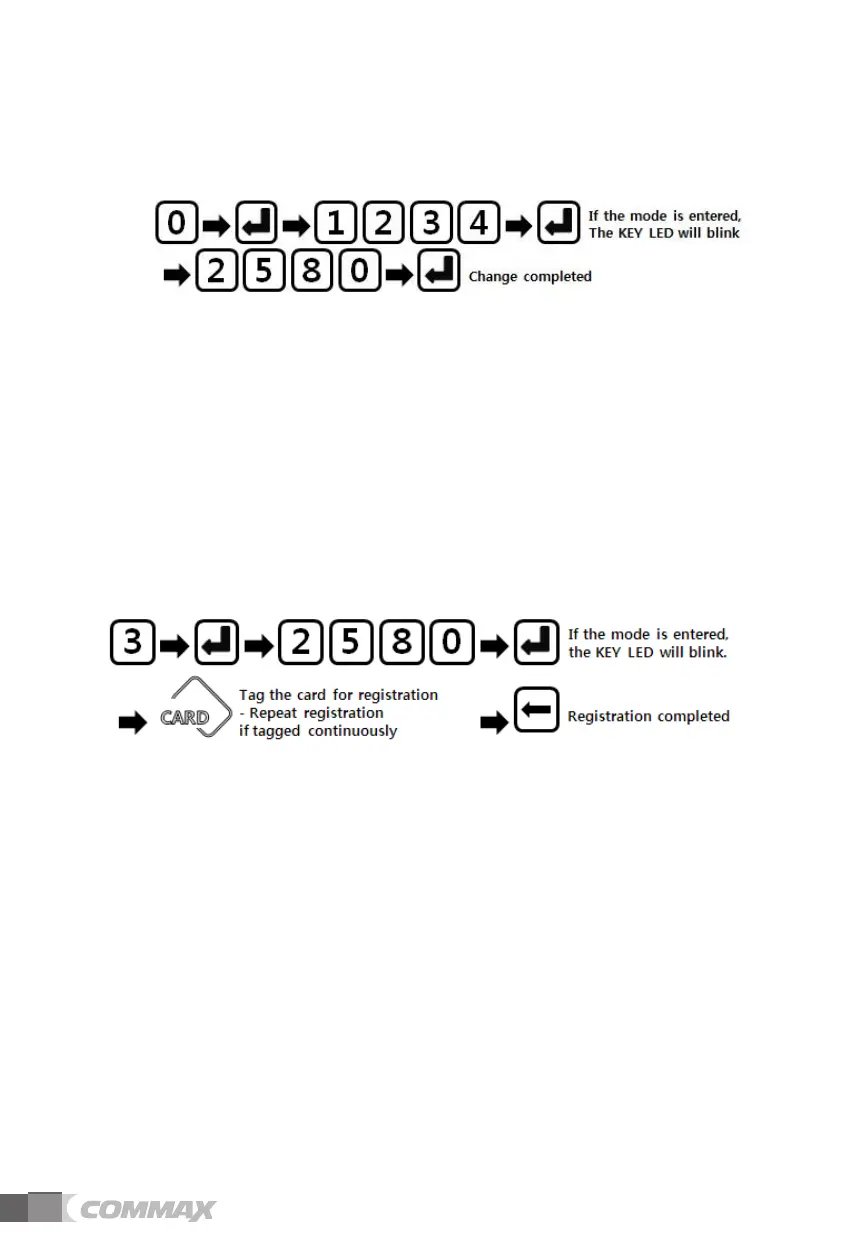
1) Password registration / change
①
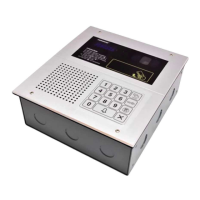
Press program number (0) and press OK button (E)
② Enter the existing password (Initial: 1, 2, 3, 4) and press the OK button (E)
③ If the password change mode is successfully entered, the KEY LED will blink.
④ Click the new password to be changed.
⑤ Press the OK button (E), the key LED stops blinking and the setting is completed.
2) RF card registration
- Up to 1,024 cards can be registered.
① Press program number (3) and press OK button (E)
② Enter the password and press the OK button (E).
③ When the RF card registration mode is successfully entered, the KEY LED will blink.
④ Tag the card to be registered to the RF receiver.
If you tag another card continuously, you can register all the cards at once.
⑤ Press the Cancel button (C) and the KEY LED stops blinking and registration is
completed.


 To Next Page