5
3. Overview
6
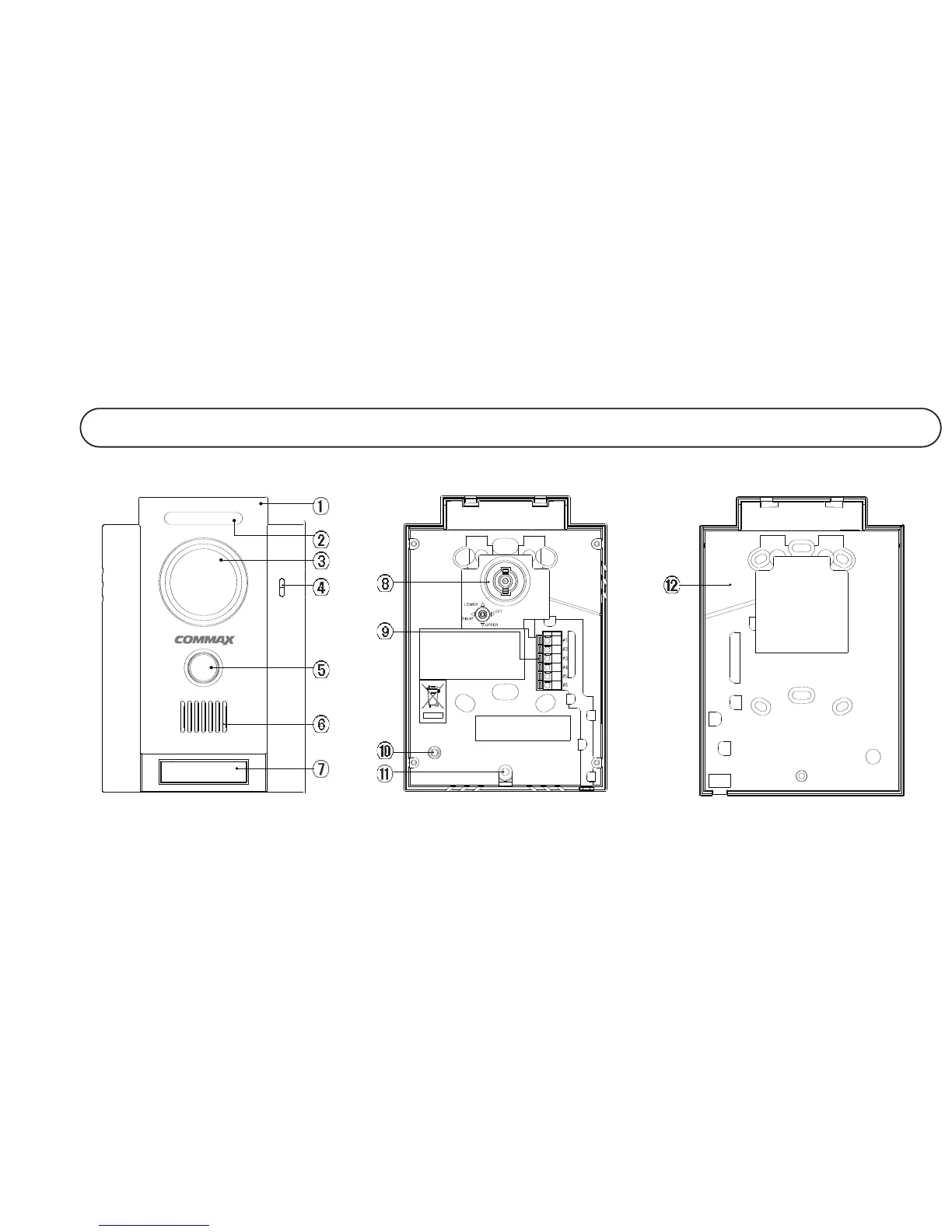
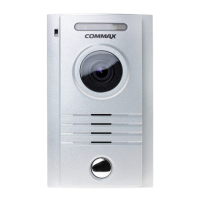
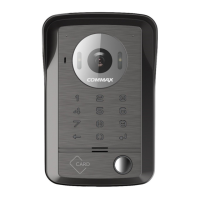
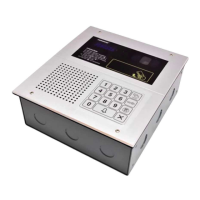
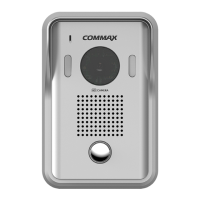
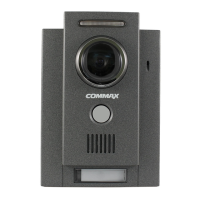
1 Front panel
2 LED Since it acts as lighting at night, it provides better picture quality.
3 Camera lens It delivers images. (Make sure to keep it clean to prevent dust)
4 Microphone It delivers voices at a time of communication with residences.
5 Call button It is pressed to call a residence.
6 Speaker It delivers voice from a residence.
7 Name Card
Angle fiell of view camera Use it to adjust the angle of the view of visitors according to installation envi-
ronment.
Monitor & Door release It connects monitor (careful about polarity) to a door release.
connection terminal
10 Vdume Contrd
11 Screw hole
12 Wall bracket
No.
Name
Details
5
3. Overview
6
1 Front panel
2 LED Since it acts as lighting at night, it provides better picture quality.
3 Camera lens It delivers images. (Make sure to keep it clean to prevent dust)
4 Microphone It delivers voices at a time of communication with residences.
5 Call button It is pressed to call a residence.
6 Speaker It delivers voice from a residence.
7 Name Card
Angle fiell of view camera Use it to adjust the angle of the view of visitors according to installation envi-
ronment.
Monitor & Door release It connects monitor (careful about polarity) to a door release.
connection terminal
10 Vdume Contrd
11 Screw hole
12 Wall bracket
No.
Name
Details
8
9
8
9


 To Next Page