(1) Icon description
, : Move – Move from STILL IMAGE and to VIDEO.
: Select - Select to feature to change. ( When seleted, Icon will be displayed.)
:Previous – User can go back to ‘SETTING’
(2) VIDEO: Saved as VIDEO
● The maximum time of saving varies to the size of SD card memory.
(3) STILL IMAGE: Saved as captured STILL IMAGE.
● The maximum cut of STILL IMAGE is128 images. (50 images maximum without SD
card)
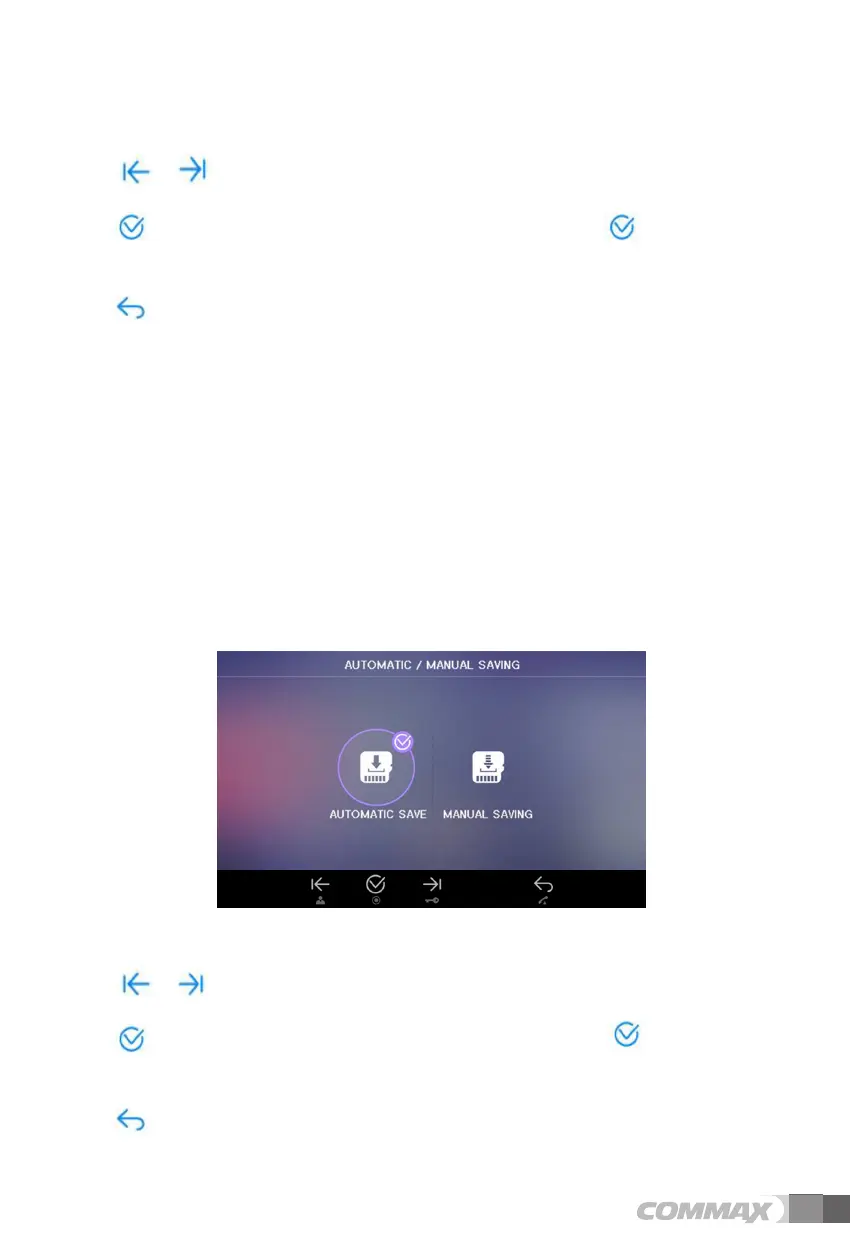
6-2-4-2. SAVING METHOD
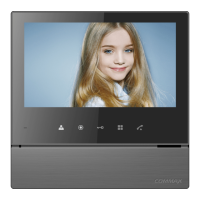
User can see below image in LCD monitor by moving and selecting the right icon
‘SAVING METHOD’ in SETTING mode. (Factory default setting: AUTOMATIC SAVE)
(1) Icon description
,
: Move - Move from AUTOMATIC SAVE to MANUAL SAVE.
: Select - Select to feature to change. ( When seleted, Icon will be
displayed.)
: Previous – User can go back to ‘SETTING’
12 13


 To Next Page