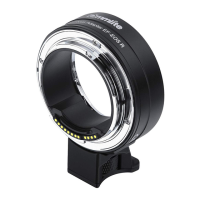
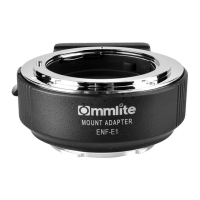
Click to download the relevant files.
Save the downloaded file Update_ENF-E1v02(W).rar to your computer’s
desktop (Recommended)
Then after decompression
For the users of Windows 8,8.1 and Windows 10
According to the original settings of IE, the updated files will be saved in
‘Downloaded File’. Click ‘Desktop’ from Screen’s ‘START’ button, and find the
‘Downloaded File’ from ‘Via Browser’
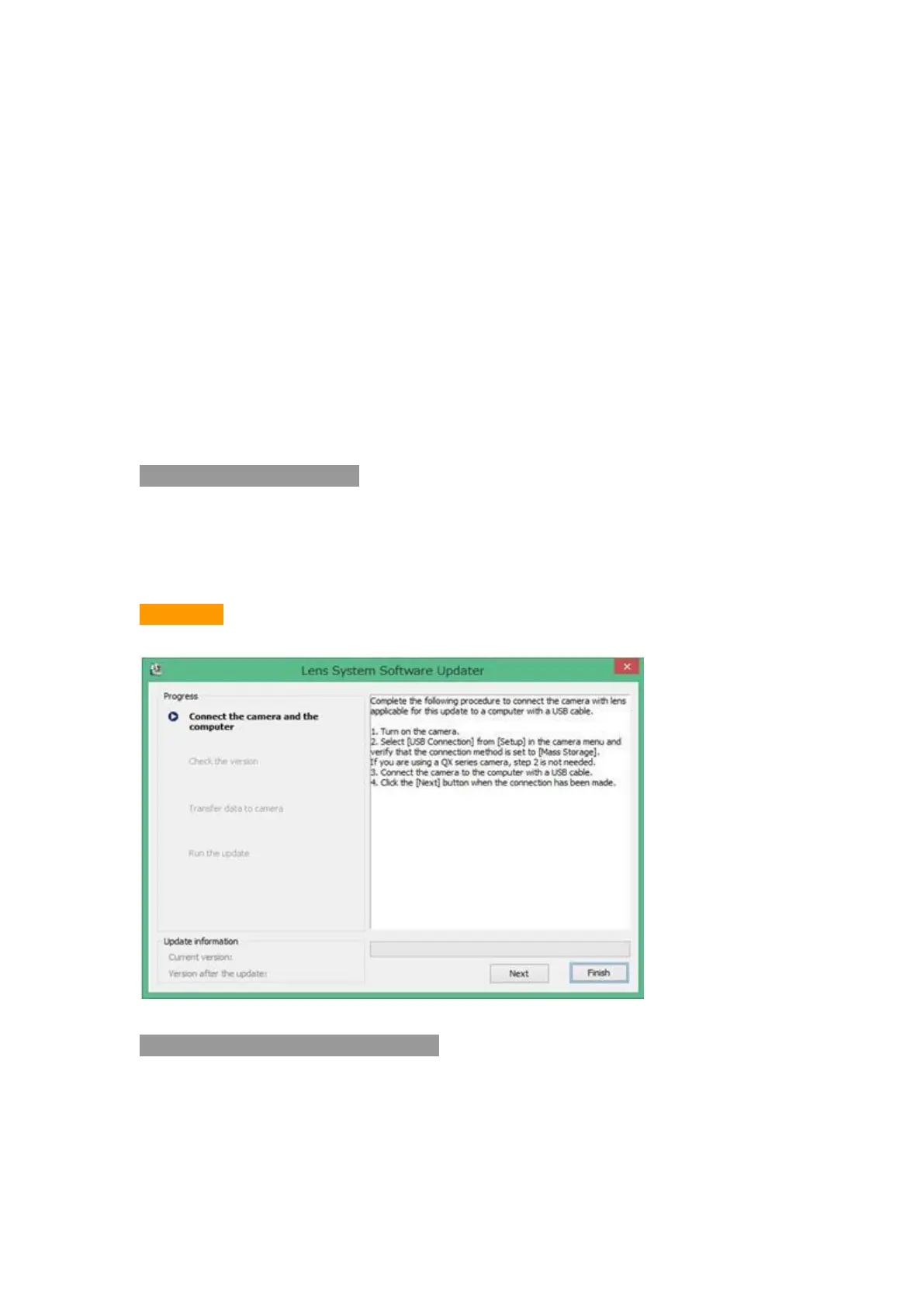
2. Start Firmware Upgrade
Double-click the downloaded file Update_ENF-E1v02(W).exe
The firmware will start to upgrade
Picture 1
3. Check the USB Connection Mode
3.1 Turn on the Camera
3.2 Choose [Menu] ---- [Setting] ---- [USB Connection] , choose [Mass Storage]
While in using QX Series Camera, no need of this step


 To Next Page