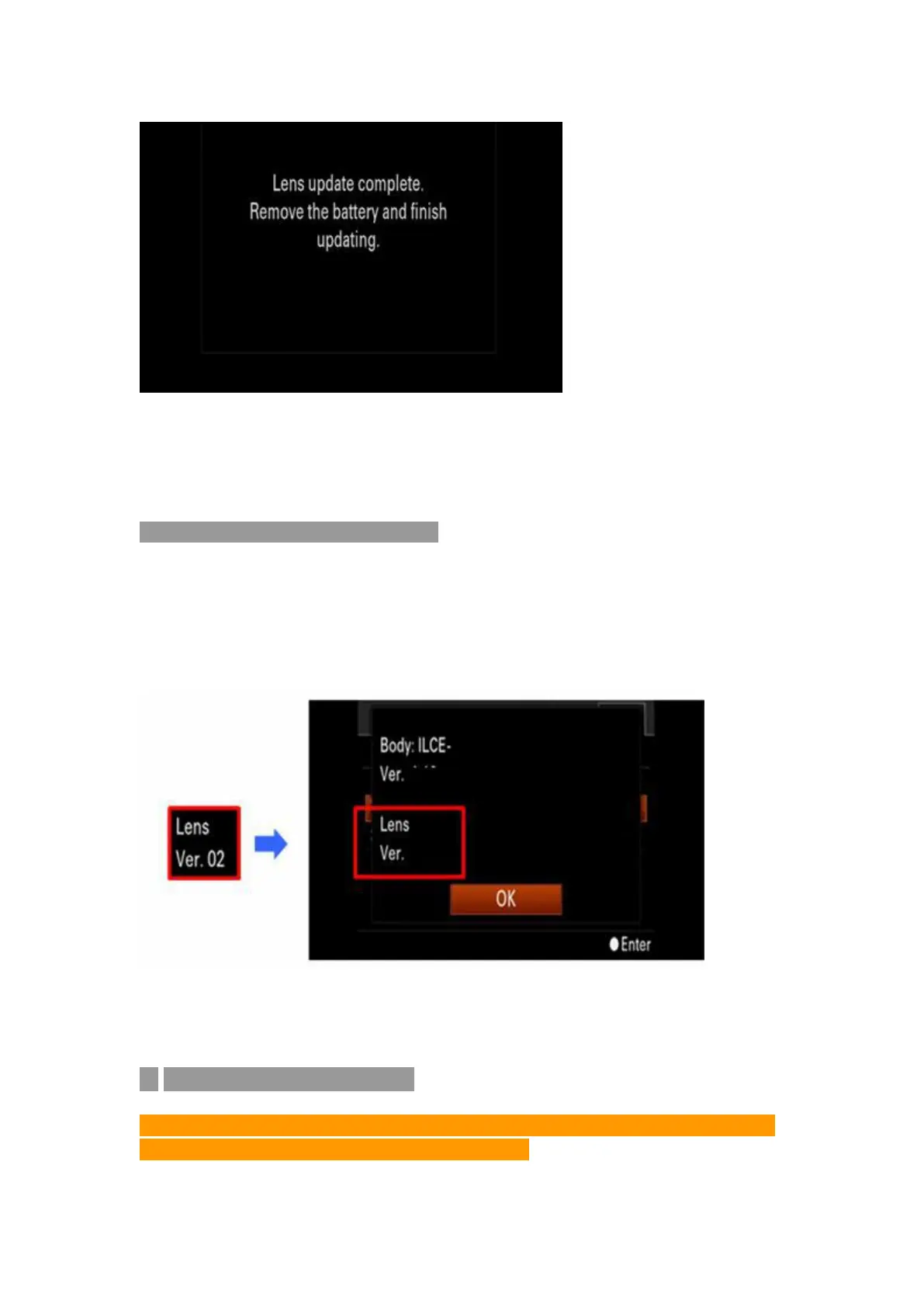
Note: Dis-connect the USB connection and re-put battery to re-start the
camera after upgrading
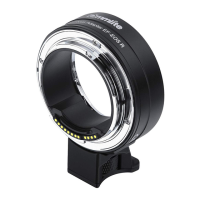
7. Check the lens’ Firmware Version
Please operate by following instructions, check to make sure the firmware
version has been updated to Ver.02
Choose [Menu] --- [Setting] --- [Version]
[For Mac OS]
◆
Check the Firmware Version
Notice: Be sure you have connected the adapter to Camera and Lens before
checking. The adapter performs as a lens then.


 To Next Page