EasyManua.ls Logo

Commodore PC - How to Start Debug; Method 1: Debug

Commodore PC
414 pages
Print Icon
To Next Page IconTo Next Page
To Previous Page IconTo Previous Page
Loading...
136
MS-DOS
User's
Reference
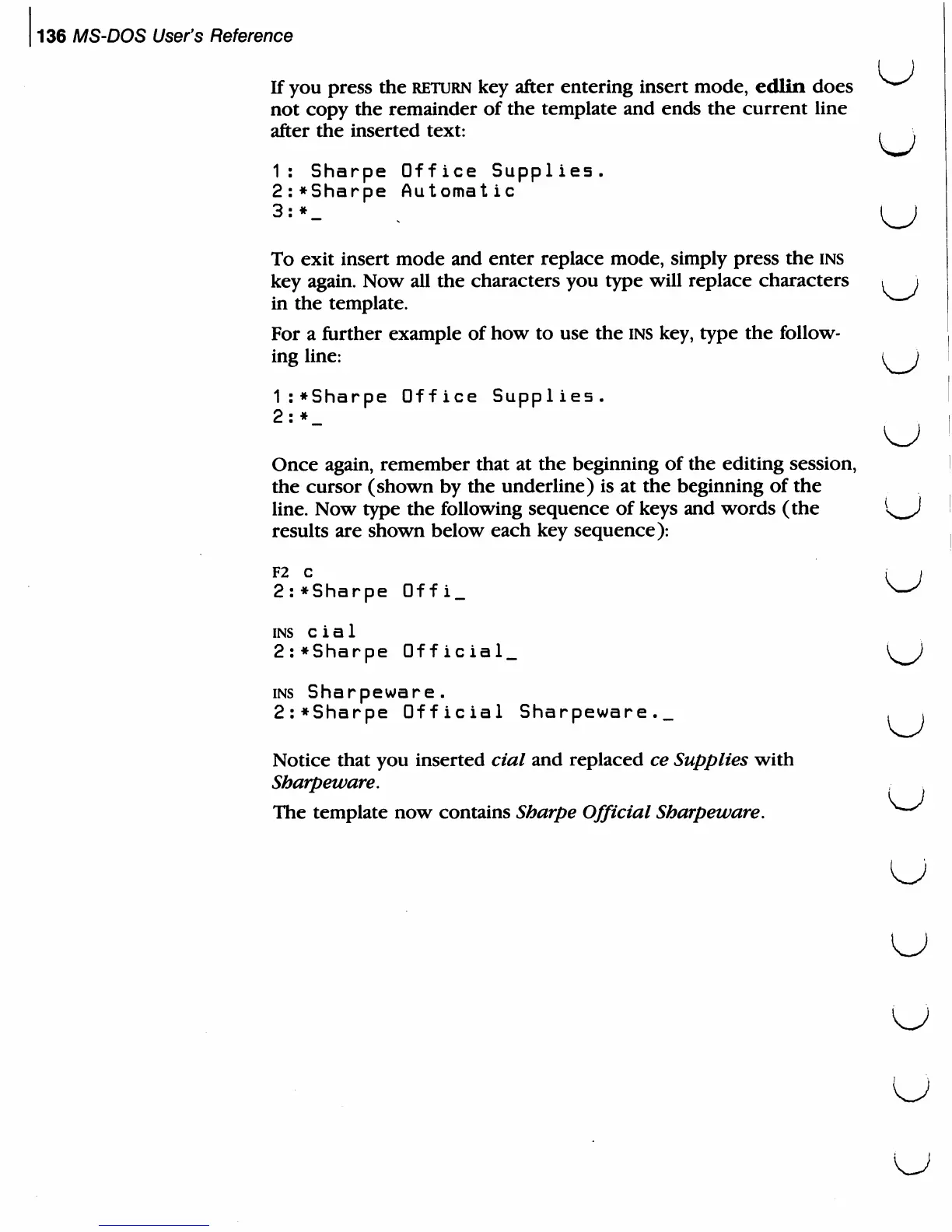
If
you
press
the
return
key
after
entering
insert
mode,
edlin
does
not
copy
the
remainder
of
the
template
and
ends
the
current
line
after
the
inserted
text:
,
;
1:
Sharpe
Office
Supplies.
2:*Sharpe
Automat
ic
3:*_
.
\^J
To
exit
insert
mode
and
enter
replace
mode,
simply
press
the
ins
key
again.
Now
all
the
characters
you
type
will
replace
characters
t
\
in
the
template.
^^^
For
a
further
example
of
how
to
use
the
ins
key,
type
the
follow
ing
line:
\^J
1:*Sharpe
Office
Supplies.
2:
*
Once
again,
remember
that
at
the
beginning
of
the
editing
session,
the
cursor
(shown
by
the
underline)
is
at
the
beginning
of
the
line.
Now
type
the following
sequence
of
keys
and
words
(the
K^J
results
are
shown
below
each
key
sequence):
F2
C
,
.
2:*Sharpe
Offi_
^^
ins
c
i
a
1
2:*Sharpe
Official^
{^J
ins
Sharpeware.
2:*Sharpe
Official
Sharpeware._
, i
Notice
that
you
inserted
cial
and
replaced
ce
Supplies
with
Sharpeware.
.
The
template
now
contains
Sharpe
Official
Sharpeware.
^~^
u
u

Related product manuals