EasyManua.ls Logo

Commodore PC - Page 291

Commodore PC
414 pages
Print Icon
To Next Page IconTo Next Page
To Previous Page IconTo Previous Page
Loading...
Debug
2191
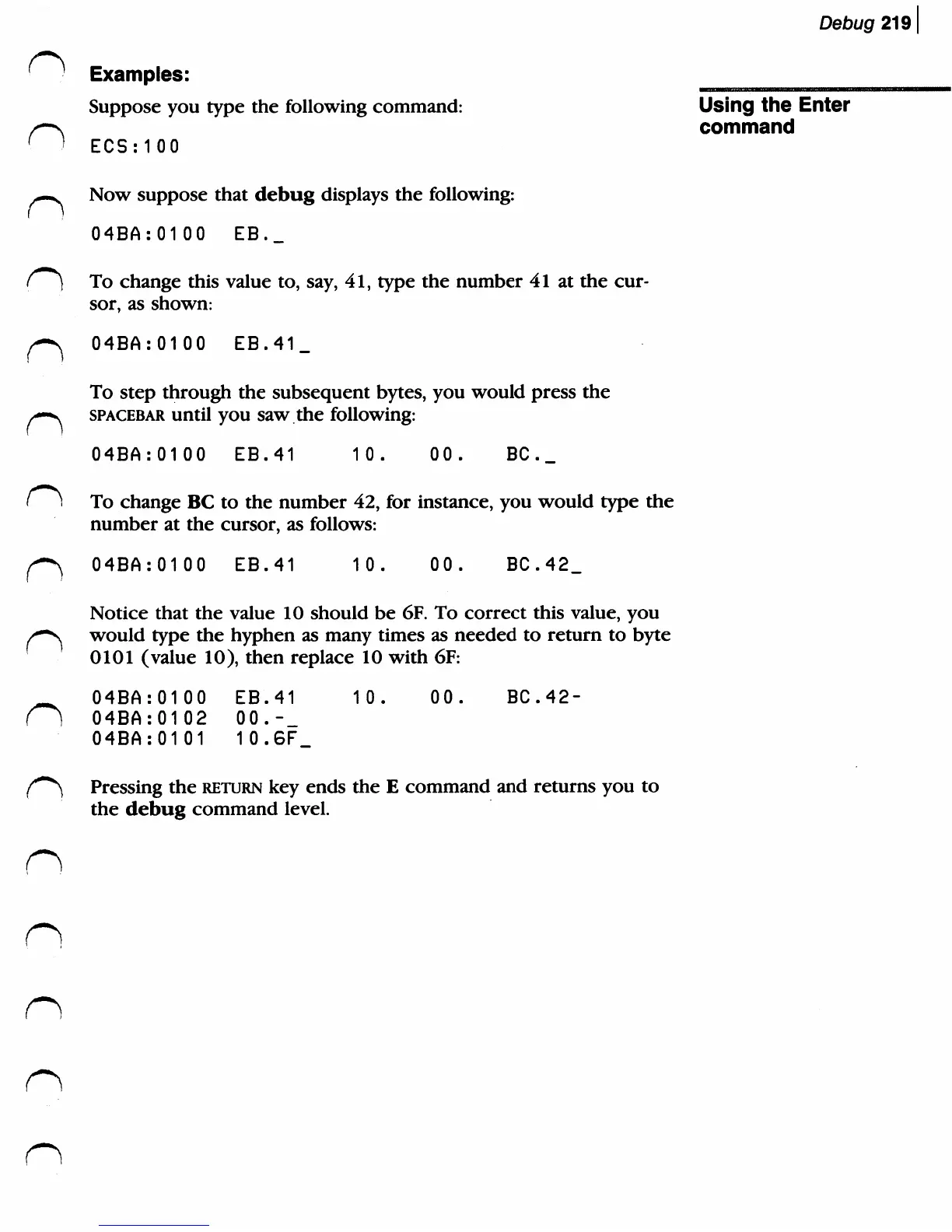
Examples:
Suppose
you
type
the
following
command:
Using
the
Enter
command
ECSMOO
—.
Now
suppose
that
debug
displays
the
following:
04BA:0100
EB._
To
change
this
value
to,
say,
41,
type
the
number
41
at
the
cur
sor,
as
shown:
/^
04BA:0100 EB.41_
To
step
through
the
subsequent
bytes,
you
would
press
the
/—■v
spacebar
until
you
saw
the
following:
04BA:0100
EB.41
10.
00.
BC.
_
To
change
BC
to
the
number
42,
for
instance,
you
would
type
the
number
at
the
cursor,
as
follows:
f~*\
04BA:0100
EB.41
10.
00.
BC.42_
Notice
that
the value
10
should
be
6F.
To
correct
this
value,
you
/-"s
would
type
the
hyphen
as
many
times
as
needed
to
return
to
byte
'
0101
(value
10),
then
replace
10
with
6F:
_
04BA:0100
EB.41
10.
00.
BC.42-
(]
04BA:0102
00.
-_
04BA:0101
10.6F_
{***}
Pressing
the
return key
ends
the
E
command
and
returns
you
to
the
debug
command
level.
n
n

Related product manuals