EasyManua.ls Logo

Commodore Plus 4 - Page 116

Commodore Plus 4
234 pages
Print Icon
To Next Page IconTo Next Page
To Previous Page IconTo Previous Page
Loading...
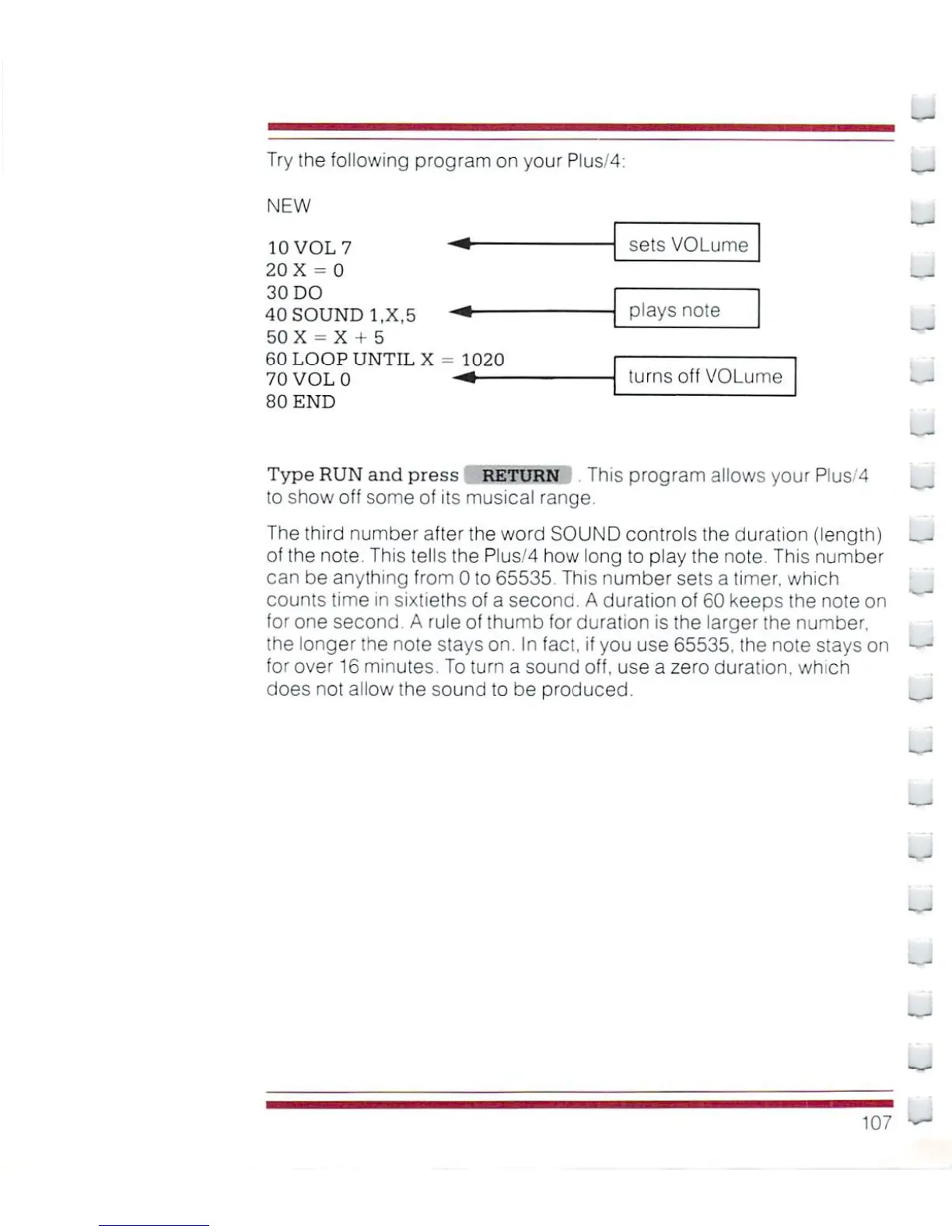
Try the
following
program
on
your
Plus/4:
NEW
10
VOL
7
-*
20
X
=
0
30
DO
40
SOUND
1.X.5
"*
50
X
-
X
+
5
60
LOOP
UNTIL
X
- 1020
70
VOL
0
-^
80
END
sets
VOlume
plays
note
turns
off
VOLume
Type
RUN
and
press
RETURN
This
program
allows
your
PI
us'4
to
show
off
some
of
its
musical
range.
The
third
number
after
the
word
SOUND
controls the
duration
(length)
__i
of
the
note.
This
tells
the
Plus/4
how
long
to
play
the
note.
This
number
can
be
anything
from 0
to
65535.
This
number
sets
a
timer,
which
counts
time
in
sixtieths of
a
second.
A
duration
of
60
keeps
the
note
on
for
one second
A
rule
of
thumb
for
duration
is
the
larger
the
number,
the
longer
the
note
stays
on.
In
fact,
if
you use
65535.
the
note
stays
on
—■
for
over
16
minutes.
To
turn
a
sound
off,
use
a
zero
duration,
which
does
not allow the
sound
to
be
produced.
--
107

Other manuals for Commodore Plus 4

Related product manuals