EasyManua.ls Logo

Commodore Plus 4 - Creating sound effects

Commodore Plus 4
234 pages
Print Icon
To Next Page IconTo Next Page
To Previous Page IconTo Previous Page
Loading...
A
MUSICAL
SOUND
EFFECT
Sound
effects
can
be
created
using
either
musical
tones
or
noise.
Combining
simple
BASIC
programs
and
sound
commands
can
gener
ate
unusual
and
entertaining
effects.
For
instance,
the
FOR...
NEXT
..
STEP
loop
can
be
used
creatively
in
sound
effects.
This
program
uses
a
FOR...
NEXT
loop
with
a
negative
step,
to
count
down
from
a
high
number
to
a
lower
one.
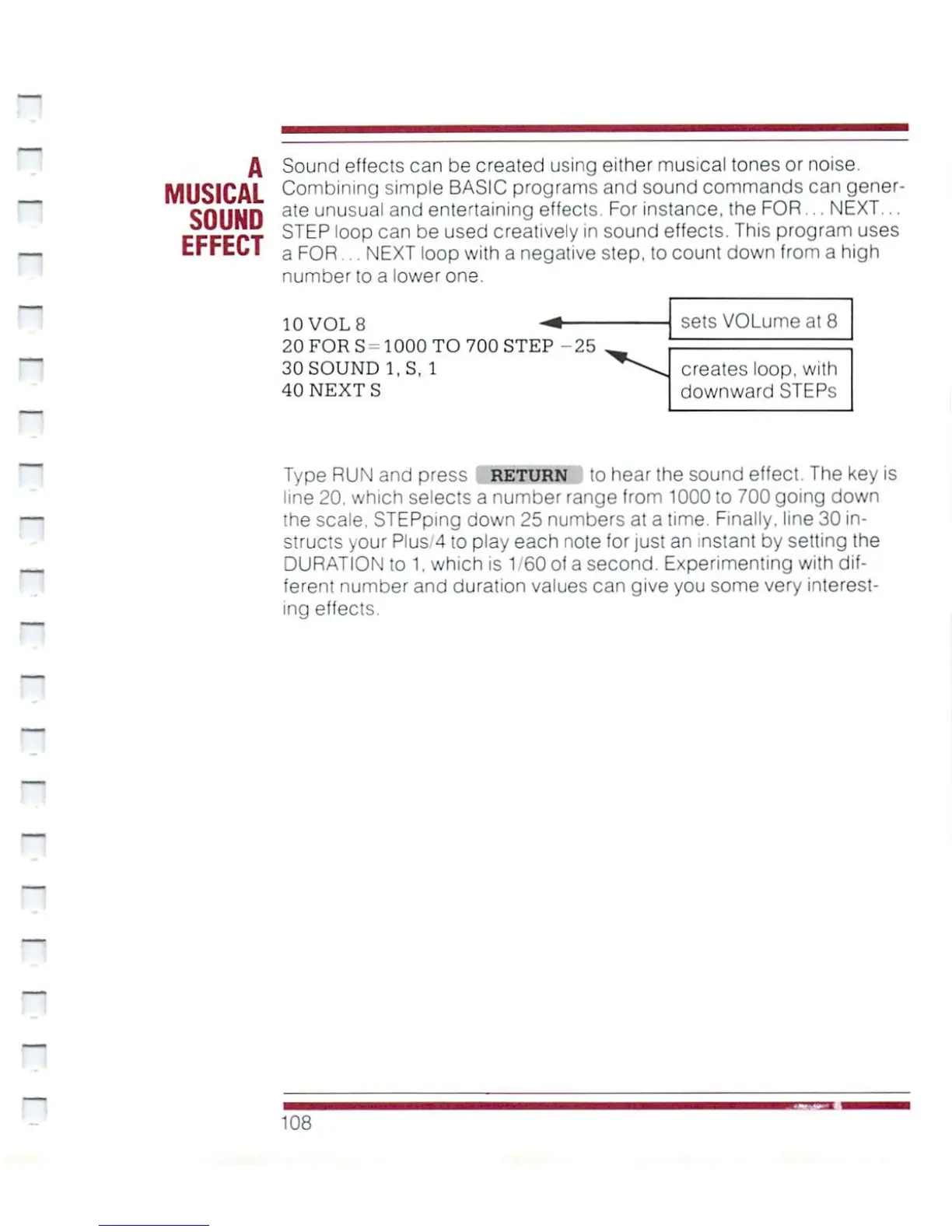
10
VOL
8
-*
20
FOR
S
-
1000
TO
700
STEP
-25
30
SOUND
l.S.
1
40
NEXTS
sets
VOLumeat
8
creates
loop,
with
downward
STEPs
Type
RUN
and
press
RETURN
to
hear
the
sound
effect.
The
key
is
line
20.
which
selects
a
number
range
from
1000
to
700
going
down
the
scale.
STEPping
down
25
numbers
at
a
time.
Finally,
line
30
in
structs
your
Plus/4
to
play
each
note
for
just
an
instant
by
setting
the
DURATION
to
1.
which
is
1/60
of
a
second.
Experimenting
with
dif
ferent
number
and
duration
values
can
give
you
some
very
interest
ing
effects.
H
108

Other manuals for Commodore Plus 4

Related product manuals