EasyManua.ls Logo

Commodore Plus 4 - Correcting typing mistakes

Commodore Plus 4
234 pages
Print Icon
To Next Page IconTo Next Page
To Previous Page IconTo Previous Page
Loading...
-
n
-
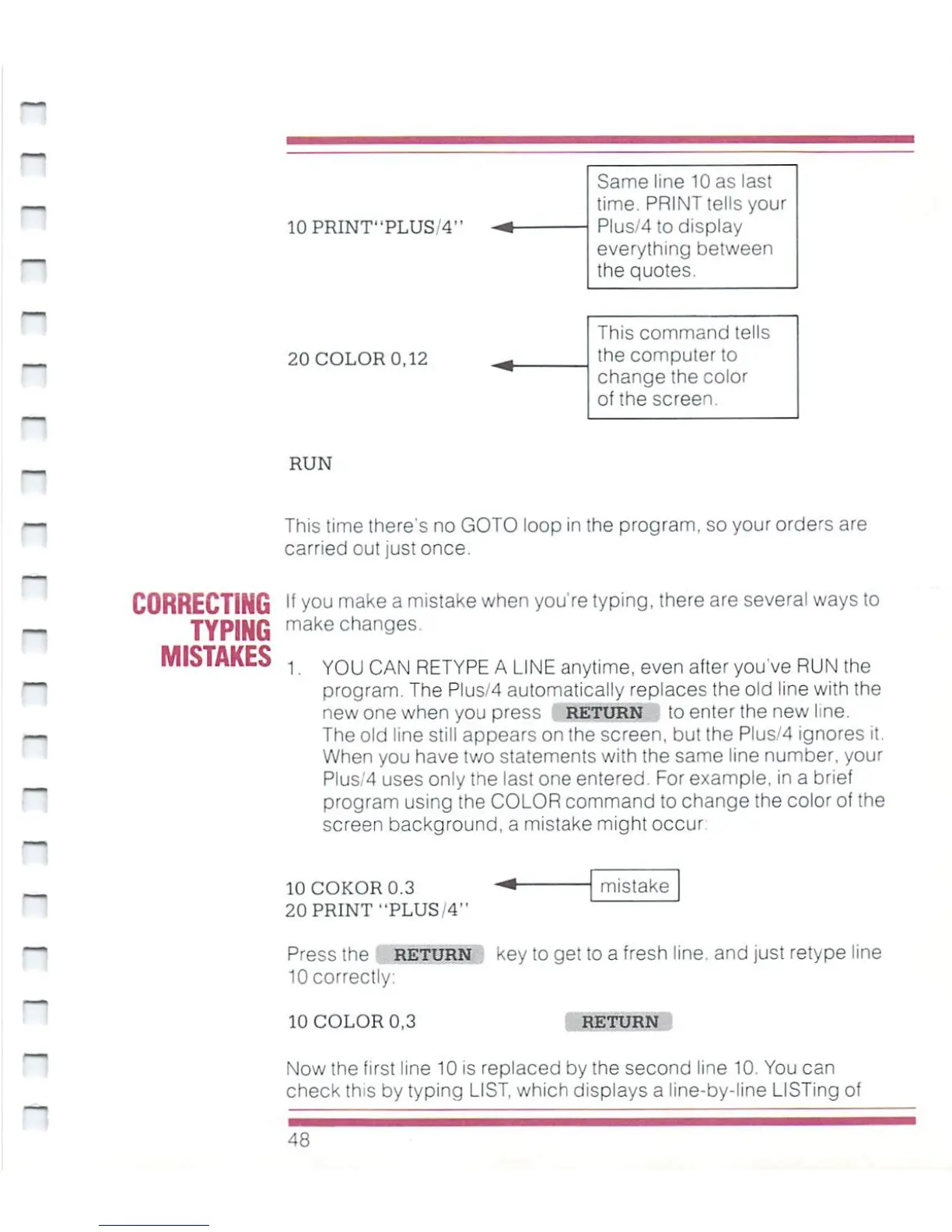
10PRINT"PLUS14>
Same
line
10
as
last
time.
PRINT
tells
your
Plus/4
to
display
everything
between
the
quotes.
This
command
tells
the
computer
to
change
the
color
of
the
screen.
20
COLOR
0,12
RUN
This
time
there's
no
GOTO
loop
in
the
program, so
your
orders
are
carried out
just
once.
CORRECTING
TYPING
MISTAKES
If
you
make
a
mistake
when
you're
typing,
there
are
several
ways
to
make
changes.
1.
YOU
CAN
RETYPE A
LINE
anytime,
even
after
you've
RUN
the
program.
The
Plus/4
automatically
replaces
the
old
line
with
the
new
one
when
you
press
RETURN
to
enter
the
new
line.
The
old
line
still
appears
on
the
screen,
but
the
Plus/4
ignores
it.
When
you
have
two
statements
with
the
same
line
number,
your
Plus/4
uses
only
the
last
one
entered.
For
example,
in
a
brief
program
using
the
COLOR
command
to
change
the
color
of
the
screen
background,
a
mistake
might
occur
mistake
10COKOR0.3
20
PRINT
"PLUS/4"
Press
the
return
key
to
get
to
a
fresh
line,
and
just
retype
line
10
correctly:
10
COLOR
0,3
RETURN
Now
the
first
line
10
is
replaced
by
!he
second
line 10.
You
can
check
this
by
typing
LIST,
which
displays
a
line-by-line
LISTing
of
48

Other manuals for Commodore Plus 4

Related product manuals