EasyManua.ls Logo

Commodore Plus 4 - CHAPTER 5 Numbers and Calculations

Commodore Plus 4
234 pages
Print Icon
To Next Page IconTo Next Page
To Previous Page IconTo Previous Page
Loading...
your
program
as
it
is
stored
in
the
computer's
memory
When
you
LIST a
program,
all
lines
appear
in
correct
order
and
the
replaced
lines
don't
appear:
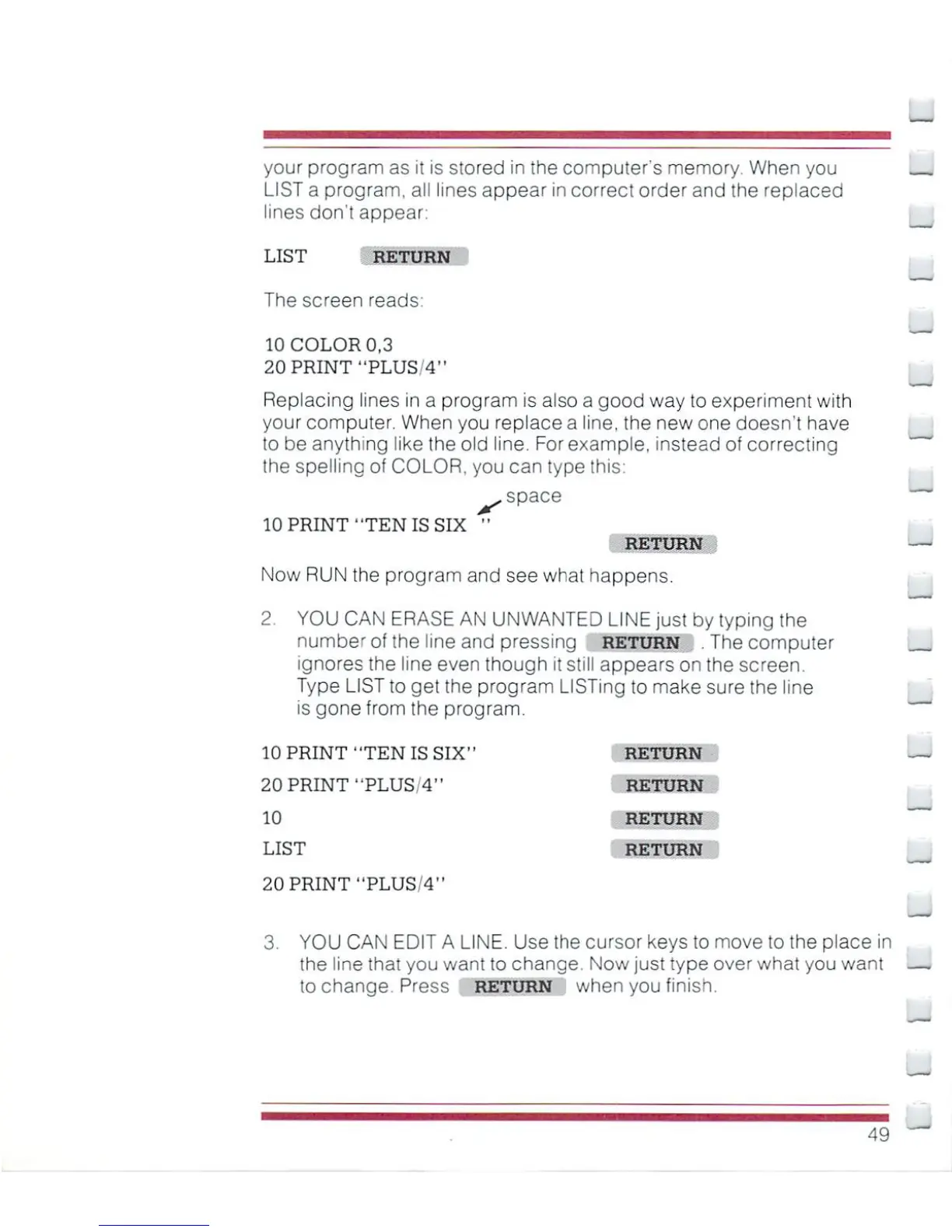
LIST
RETURN
The
screen
reads:
10
COLOR
0,3
20
PRINT
"PLUS/4"
Replacing
lines
in
a
program
is
also a
good
way
to
experiment
with
your
computer.
When
you
replace
a
line,
the
new
one
doesn't
have
to
be
anything
like
the
old
line.
For
example,
instead
of
correcting
the
spelling
of
COLOR,
you
can
type
this:
.
space
10
PRINT
"TEN
IS
SIX
"
RETURN
Now
RUN
the
program
and
see
what
happens.
2
YOU
CAN
ERASE
AN
UNWANTED
LINE
just
by
typing
the
number
of
the
line
and
pressing
return
.The
computer
ignores
the
line
even
though
it
still
appears
on
the
screen.
Type
LIST
to
get
the
program
LISTing
to
make
sure
the
line
is
gone
from
the
program.
10
PRINT
"TEN
IS
SIX"
RETURN
20
PRINT
"PLUS/4"
RETURN
10
RETURN
LIST
RETURN
20
PRINT
"PLUS/411
u
3
YOU
CAN
EDIT
A
LINE.
Use
the
cursor
keys
to
move
to
the
place
in
the
line
that
you want
to
change.
Now
just
type
over
what
you
want
to
change.
Press
return
when
you
finish.
49

Other manuals for Commodore Plus 4

Related product manuals