EasyManua.ls Logo

Commodore Plus 4 - Page 59

Commodore Plus 4
234 pages
Print Icon
To Next Page IconTo Next Page
To Previous Page IconTo Previous Page
Loading...
NOTE:
When
working
with
numbered
program
lines,
you
don't
have
to
be
at
the
end
of
the
line
to
press
return
.
Your
Plus/4
remembers
the
whole
line
even
if
you
press
RETURN
in
the
middle
of
the
line.
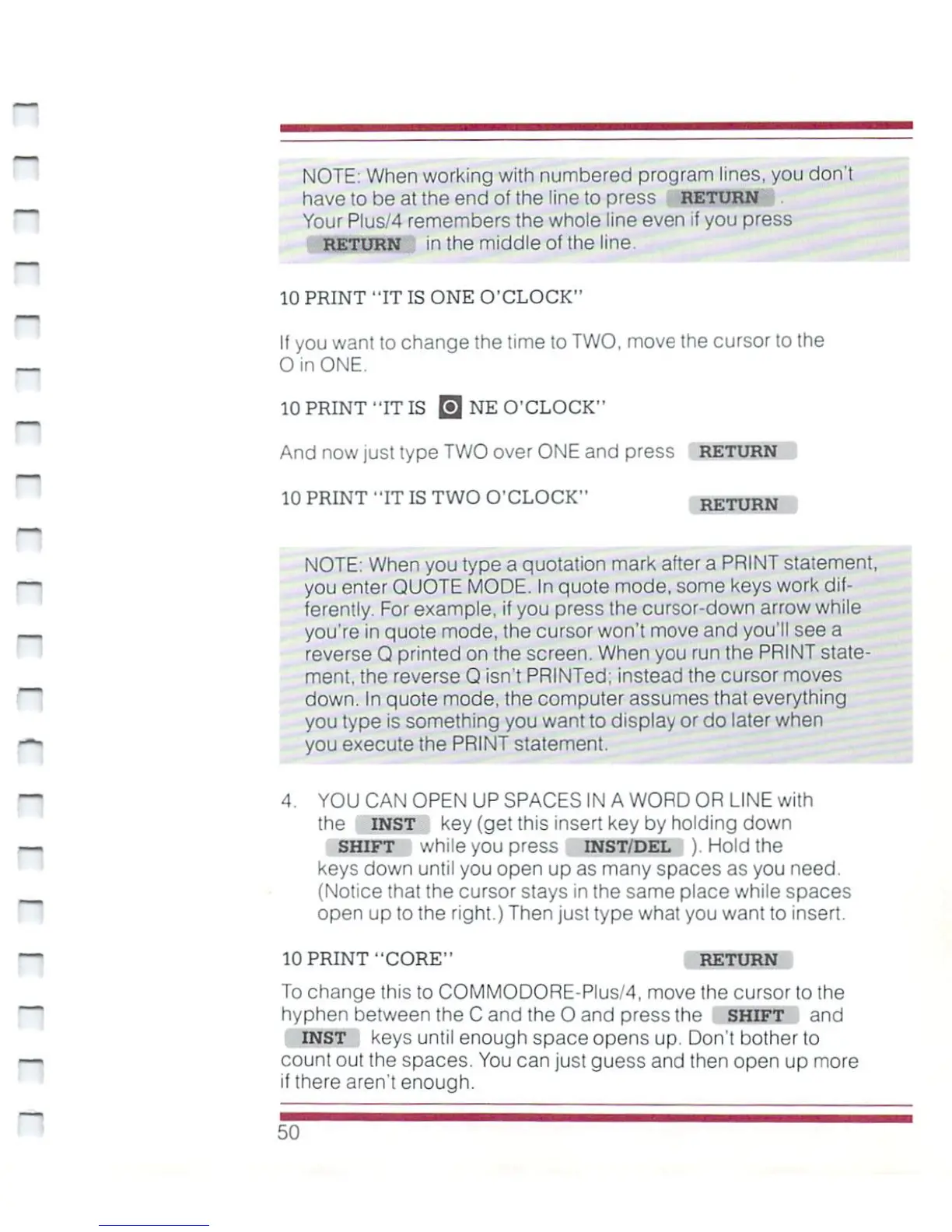
10
PRINT
"IT
IS
ONE
O'CLOCK"
If
you
want
to
change
the
time
to
TWO,
move
the
cursor
to
the
_
0
in
ONE.
10
PRINT
"IT
IS
0
NE
O'CLOCK"
And now
just
type
TWO
over
ONE
and
press
RETURN
10
PRINT
"IT
IS
TWO
O'CLOCK"
RETURN
NOTE:
When
you
type
a
quotation
mark
after
a
PRINT
statement,
you
enter
QUOTE
MODE.
In
quote
mode,
some
keys
work
dif
ferently.
For
example,
if
you
press
the
cursor-down
arrow
while
you're
in
quote
mode,
the
cursor
won't
move
and
you'll
see
a
reverse
Q
printed
on
the
screen.
When
you
run
the
PRINT
state
ment,
the
reverse
Q
isn't
PRINTed;
instead
the
cursor
moves
down.
In
quote
mode,
the
computer
assumes
that
everything
you
type
is
something
you
want
to
display
or
do
later
when
you
execute
the
PRINT
statement.
4.
YOU CAN
OPEN
UP
SPACES
IN
A
WORD
OR
LINE
with
the
inst
key
(get
this
insert
key
by
holding
down
shift
while
you
press
inst/del
).
Hold
the
keys
down
until
you
open
up
as
many
spaces
as
you
need.
(Notice
that
the
cursor
stays
in
the
same
place
while
spaces
open
up
to
the
right.)
Then
just
type
what
you
want
to
insert.
10
PRINT
"CORE"
RETURN
To
change
this
to
COMMODORE-Plus/4,
move
the
cursor
to
the
hyphen
between
the
C
and
the
0
and
press
the
shift
and
INST
keys
until
enough
space
opens
up.
Don't
bother
to
n
count
out
the
spaces.
You
can
just
guess
and
then
open
up
more
if
there
aren't
enough.

Other manuals for Commodore Plus 4

Related product manuals