EasyManua.ls Logo

Commodore Plus 4 - Page 60

Commodore Plus 4
234 pages
Print Icon
To Next Page IconTo Next Page
To Previous Page IconTo Previous Page
Loading...
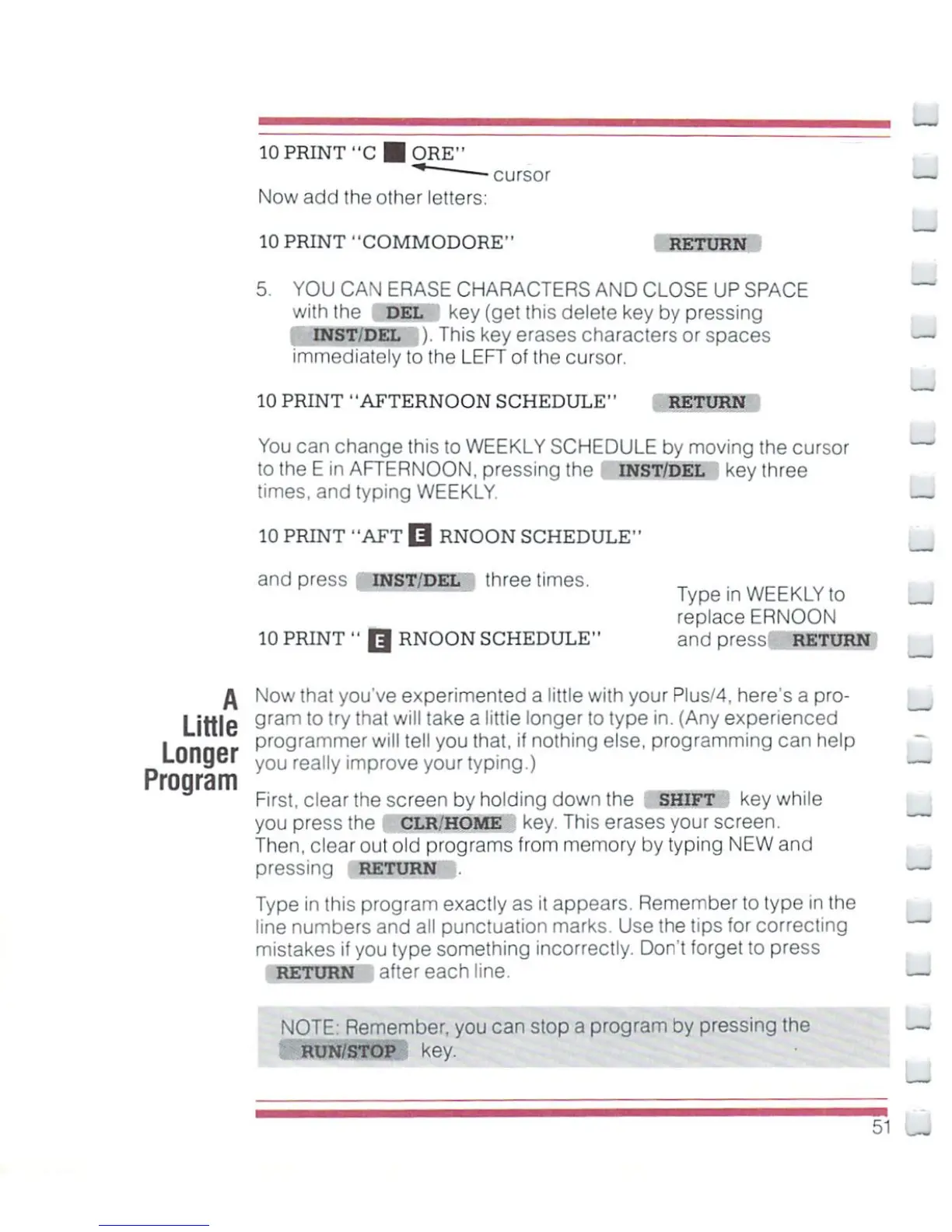
10
PRINT
"C
■ORE"
"*
cursor
—.
Now
add
the
other
letters:
10
PRINT
"COMMODORE"
RETURN
5.
YOU
CAN
ERASE
CHARACTERS
AND
CLOSE
UP
SPACE
with
the
DEL
key
(get
this
delete
key
by
pressing
INST/DEL
).
This
key erases
characters
or
spaces
immediately
to
the
LEFT
of
the
cursor.
10
PRINT
"AFTERNOON
SCHEDULE"
RETURN
You
can
change
this to
WEEKLY
SCHEDULE
by
moving
the
cursor
to
the
E
in
AFTERNOON,
pressing
the
INST/DEL
key
three
times,
and
typing
WEEKLY-
_^
10
PRINT
"AFT
Q
RNOON
SCHEDULE"
and
press
INST/del
three
times.
Type
in
WEEKLY
to
replace
ERNOON
10
PRINT"
Q
RNOON
SCHEDULE"
and
press
RETURN
fa
Now
that
you've
experimented
a
little
with
your
Plus/4,
here's
a
pro-
Little
9ram
t0
trVthat
w'"take
a
littie
lon9er
t0
type
in.
(Any
experienced
I
nnnor
programmer
will
tell
you
that,
if
nothing
else,
programming
can
help
Lunger
yOU
really
improve
your
typing.)
Program
First,
clear the
screen
by
holding
down
the
SHIFT
key
while
you
press
the
CLR/HOME
key.
This
erases
your
screen.
Then,
clear
out
old
programs
from
memory
by
typing
NEW
and
pressing
RETURN
.
—■
Type
in
this
program
exactly
as
i!
appears.
Remember
to
type
in
the
line
numbers
and
all
punctuation
marks.
Use
the
tips
for
correcting
mistakes
if
you
type
something
incorrectly.
Don't
forget
to
press
RETURN
after
each
line.
NOT!
Remember,
you
can
stop
a
progi
in
by
pressing
the
—'<
RUN/STOP
key.
51

Other manuals for Commodore Plus 4

Related product manuals