6
The
VIC
20
User
Guide
Connect the larger plug
of
the video cable to the round five-pin video
port on the back of the VIC
20
(see Figure
1-2).
Finally, plug the power supply cord into the VIC
20
power connector.
Do not turn on the VIC yet!
To start using your VIC 20, follow these steps:
1.
Plug the AC power cord into a wall outlet.
2.
Switch the power ON. The power switch
is
located on the right side
near the AC plug.
3.
Wait for the READY display. This can take several seconds,
during which the VIC
is
going through a self-checking and initializa-
tion process.
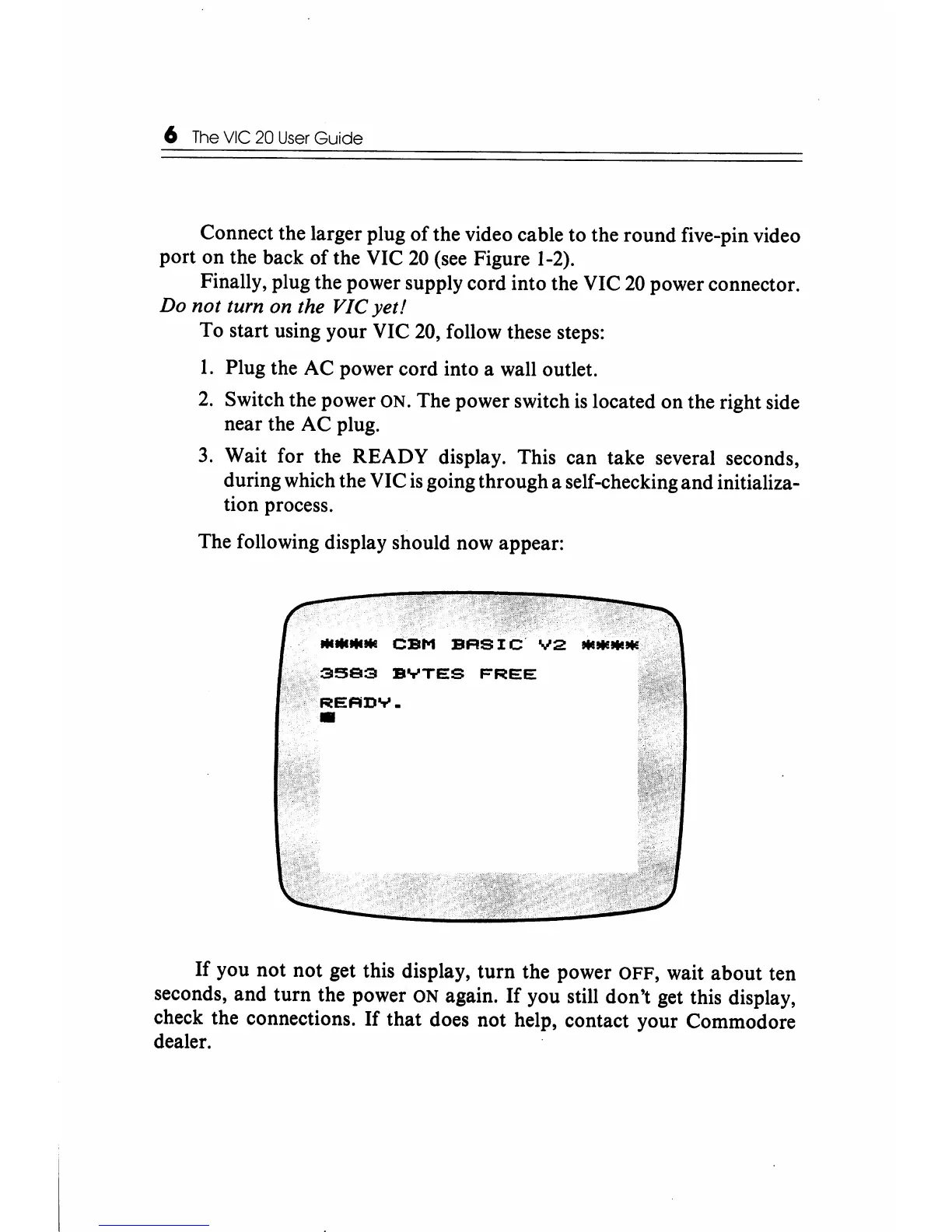
The following display should now appear:
If
you not
not
get this display,
turn
the power OFF, wait about ten
seconds, and turn the power
ON again.
If
you still don't get this display,
check the connections.
If
that does not help, contact your Commodore
dealer.






 To Next Page