Chapter
1:
Introducing the
VIC
20
Computer 7
THE
KEYBOARD
In
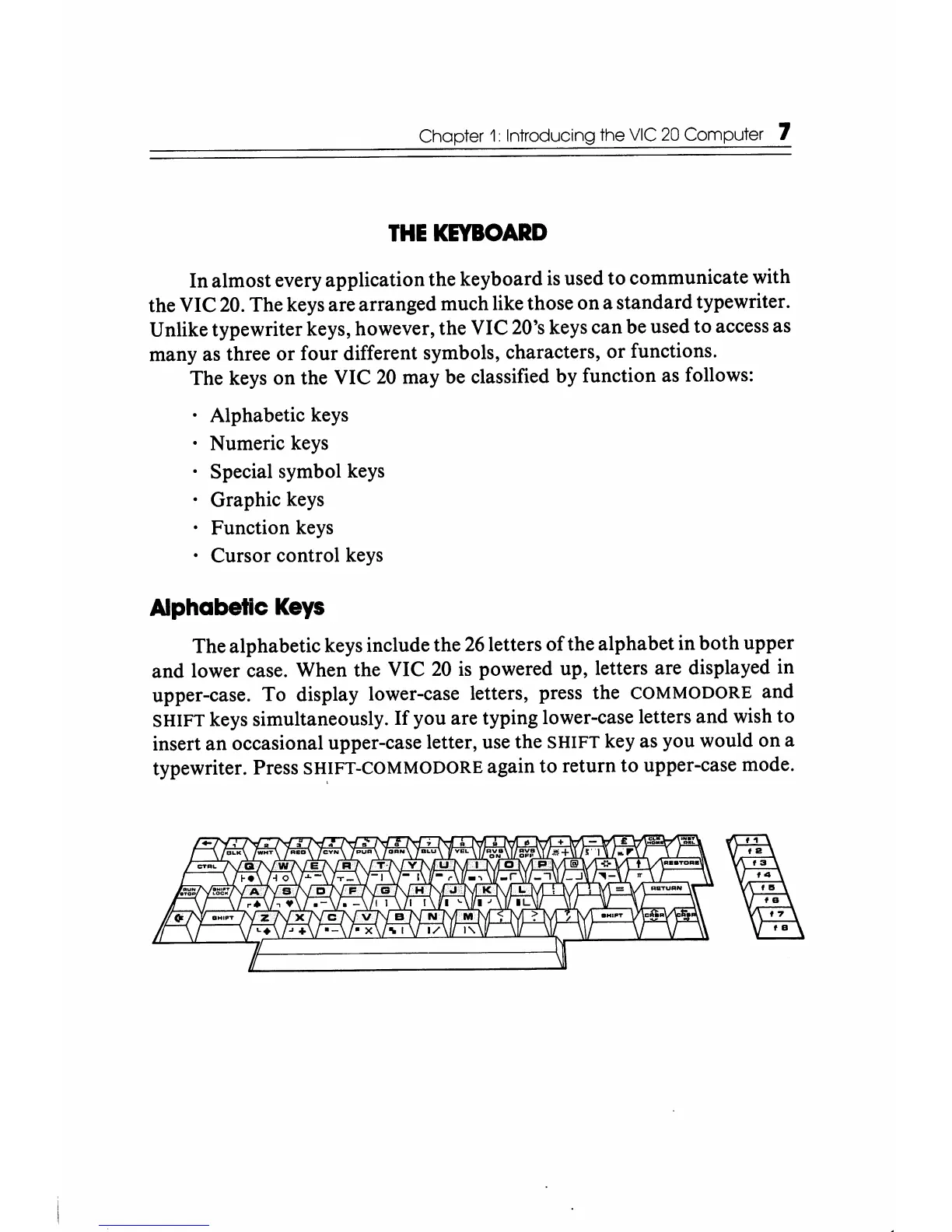
almost every application the keyboard is used to communicate with
the VIC
20.
The keys are arranged much like those
on
a standard typewriter.
Unlike typewriter keys, however, the VIC 20's keys
can
be used to access as
many as three
or
four different symbols, characters,
or
functions.
The keys on the VIC
20
may be classified by function as follows:
• Alphabetic keys
• Numeric keys
Special symbol keys
· Graphic keys
· Function keys
• Cursor control keys
Alphabetic
Keys
The alphabetic keys include the
26
letters
of
the alphabet in
both
upper
and
lower case. When the VIC
20
is
powered up, letters are displayed in
upper-case.
To
display lower-case letters, press the COMMODORE and
SHIFT keys simultaneously.
If
you are typing lower-case letters and wish to
insert
an
occasional upper-case letter, use the SHIFT key as you would
on
a
typewriter. Press
SH,IFT-COMMODORE again to return to upper-case mode.






 To Next Page