ComNav 1101 Autopilot5 - 6 GETTING STARTED
Rudder Drive Test
1. If you have performed a Full Reset, the display will now look like
the picture shown below. If instead of a Full Reset you
performed only a normal Reset, then you must press the
SPEED button to change the display to look like the picture
shown here:
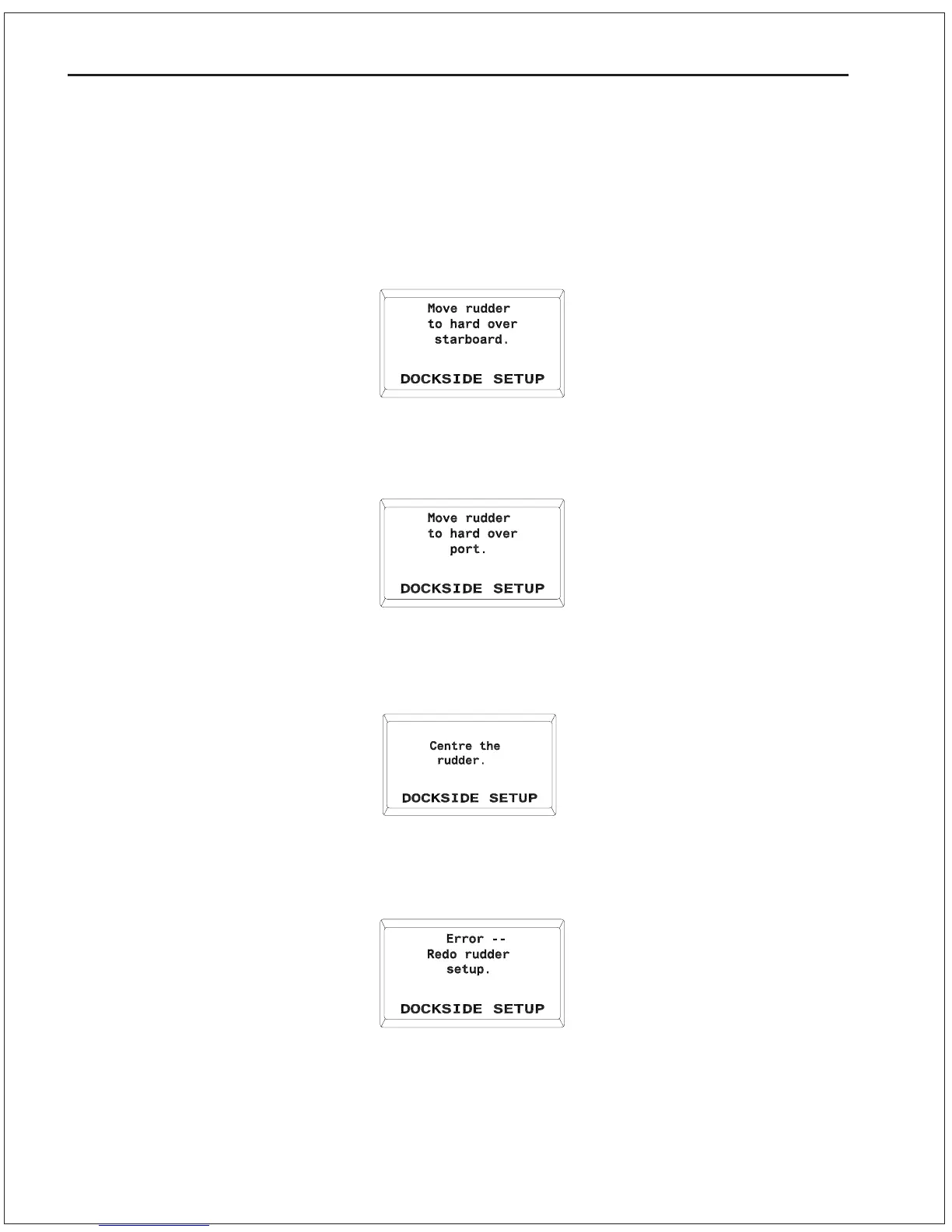
2. Use the steering wheel and move the rudder until it reaches
hard over to Starboard. Press the SPEED button once and the
display will change to show:
3. Use the steering wheel and move the rudder until it reaches
hard over to Port. Press the SPEED button once more and the
display will change to show:
If the Autopilot comes up with this display:



 To Next Page