ComNav 1101 Autopilot
To perform a Full Reset
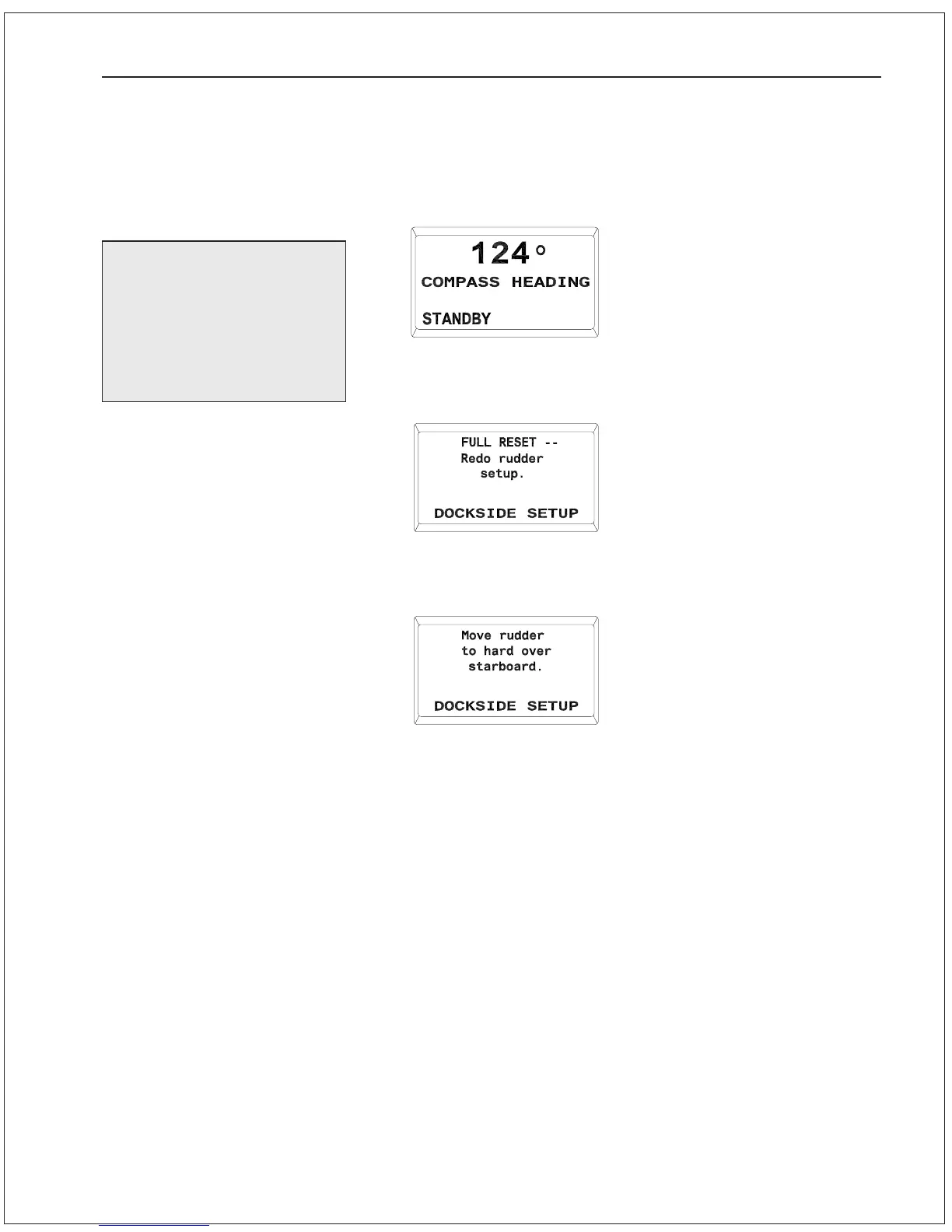
1. Place the Autopilot in STANDBY mode by pressing the STBY/
OFF button until it beeps and the Standby display comes up:
2. Press and hold the TURN RATE, RUDDER and STBY/OFF
buttons simultaneously until this display comes up:
3. The Autopilot is now in DOCKSIDE SETUP mode. After a few
seconds, the display will automatically change to:
Proceed with the Rudder Drive Test as outlined below.
GETTING STARTED 5 - 5
You should perform a
Full Reset on the
Autopilot after its initial
installation is complete,
and anytime it is
replaced after servicing.



 To Next Page