ComNav 1101 Autopilot
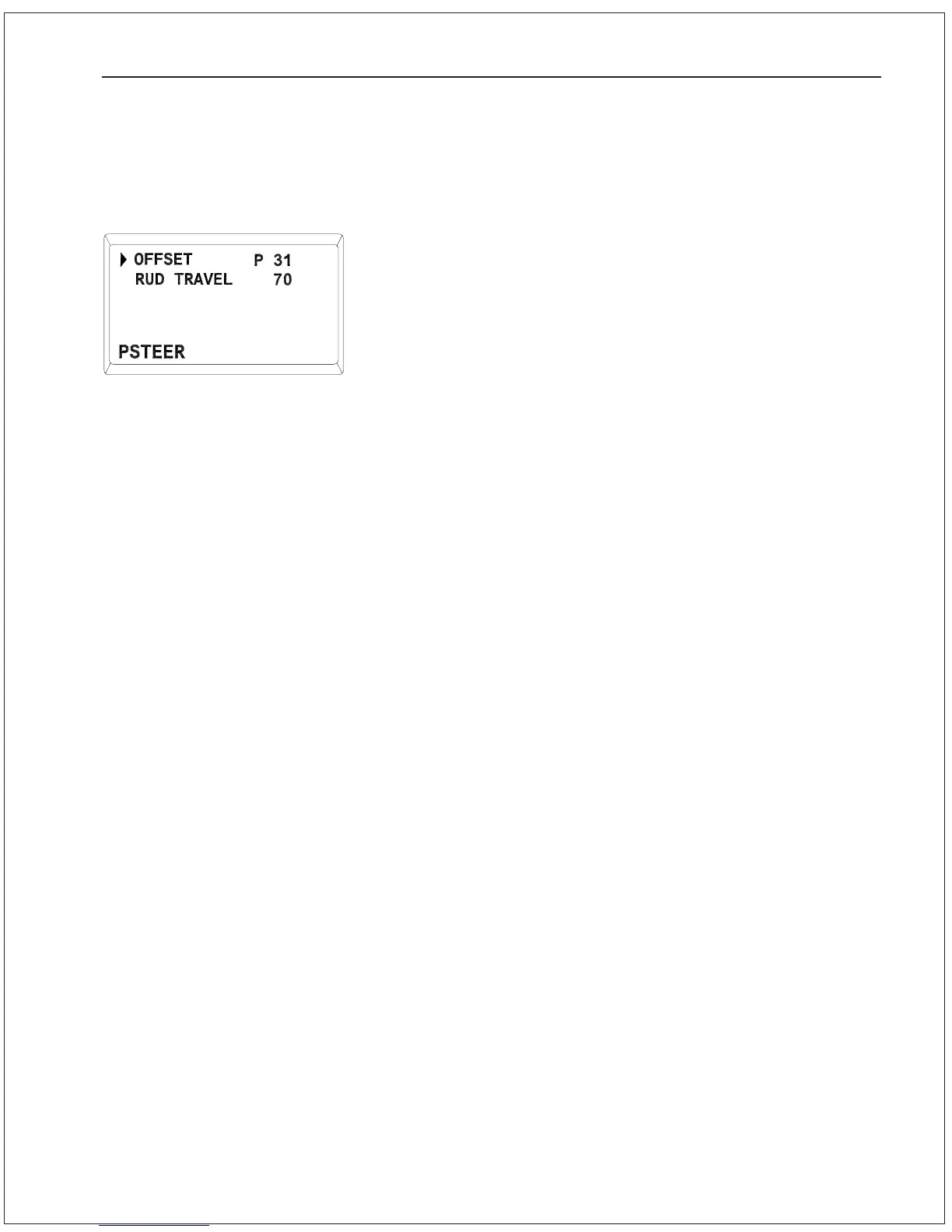
POWER STEER Menu
Digital Rudder Angle Indicator (RAI) Adjustment
Depending on your exact installation, the digital RAI on your Autopi-
lot screen may not show the exact hard-over to hard-over angle for
your rudder. To check this:
1 . Place the Autopilot in POWER STEER mode.
2. Use the DODGE buttons to move the rudder hard-over to
starboard. Note the angle displayed on the digital RAI (for
example, 37S would be 37 degrees to starboard of the
center position).
3. Use the DODGE buttons to move the rudder hard-over to port.
Note the angle displayed on the digital RAI.
4. If the total angle traveled by the rudder is different from what
was displayed by the digital RAI, double press the POWER
STEER button to enter the Power Steer Menu.
5. Use the ADJUSTMENT KNOB to point the cursor at RUD
TRAVEL. Press the POWER STEER button and the value will
begin to flash.
6. Use the ADJUSTMENT KNOB to change the value until it equals
the total number of degrees traveled by your rudder from hard-
over to hard-over.
You can adjust your digital RAI for rudder offset during Sea Trials.
Check External Rudder Angle Indicators (RAI)
If you have one or more RAls connected to your autopilot, you should
check that they are centered and properly connected to the Distribu-
tion Box:
1 . Turn the Autopilot off.
2. Check that the needle of each RAI is pointing to 0 (zero). If not,
adjust the centering screw on the back of the RAI. This allows
you to move the needle by up to 2
0
.
3. Turn the Autopilot on in STANDBY mode.
4. Manually move the steering wheel back and forth while
observing which way the RAI needle(s) move.
5. If the needle(s) move opposite to the steering wheel movement,
switch the Autopilot off, turn off the power to the Distribution
Box, then reverse the RAI Signal and RAI Return wires where
they connect to the Distribution Box (terminals 19 and 20).
6. If you have several RAls and one RAI moves in the opposite
direction, reverse the connections to that RAI.
You can adjust your external RAls for rudder offset during Sea Trials.
GETTING STARTED 5 - 11


 To Next Page
 Loading...






