ComNav 1101 Autopilot
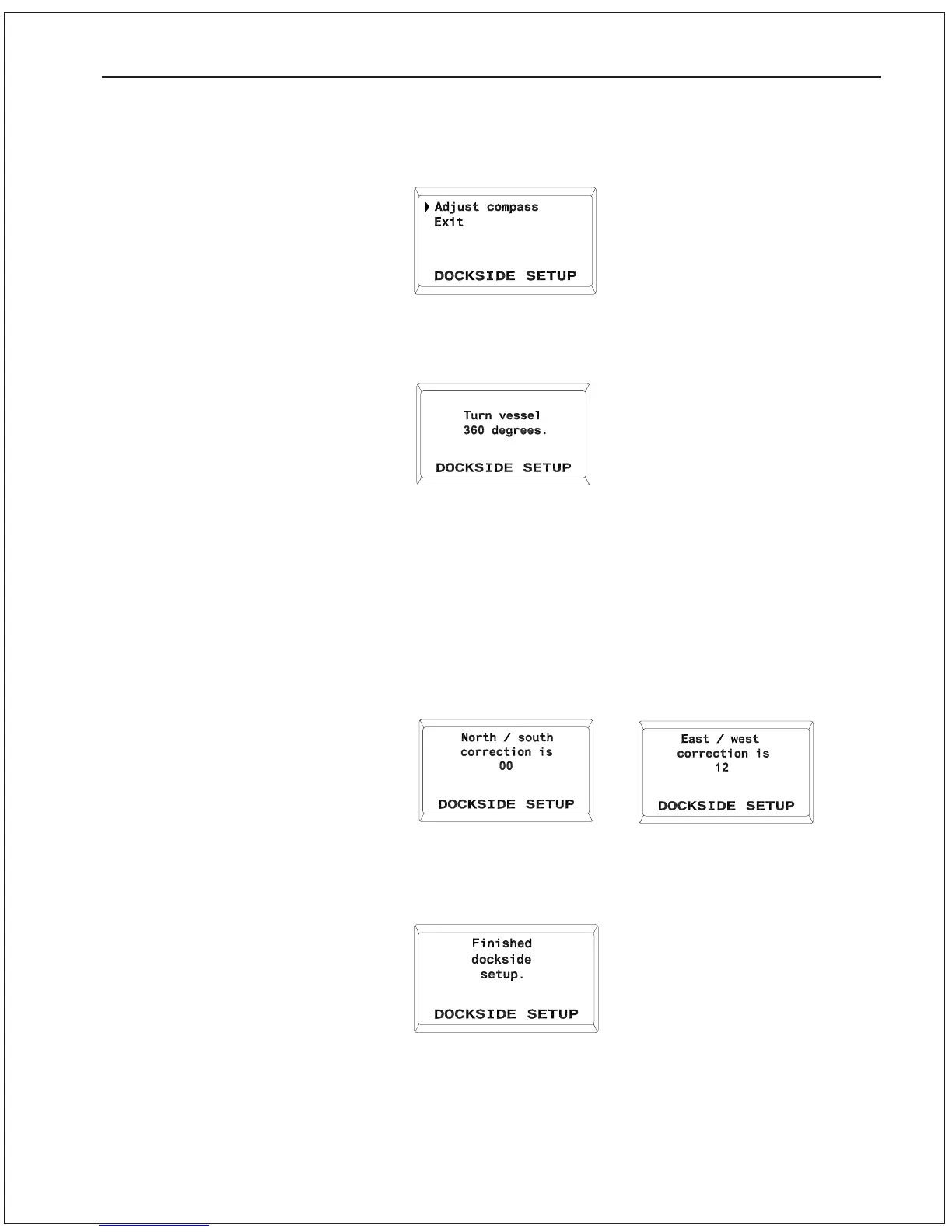
6. Press the SPEED button once more and the display will come
up as shown:
7. The words Adjust Compass will be flashing. Press the SPEED
button again and the display will come up with:
8. Manually steer the vessel in a slow circle. Complete a full 360
degrees. The turn can be done in either direction, but it should
be done slowly enough that the full turn takes approximately
two minutes to complete.
9. If the auto-compensation is successful, then when the circle is
completed, the Autopilot will beep and display the following
sequence (the numbers shown will vary depending on your
specific environment):
and finally:
After this last display is shown for a few seconds, the Autopilot will
automatically go into STANDBY mode. This indicates that the auto-
compensation was successful.
GETTING STARTED 5 - 13



 To Next Page