ComNav 1101 Autopilot
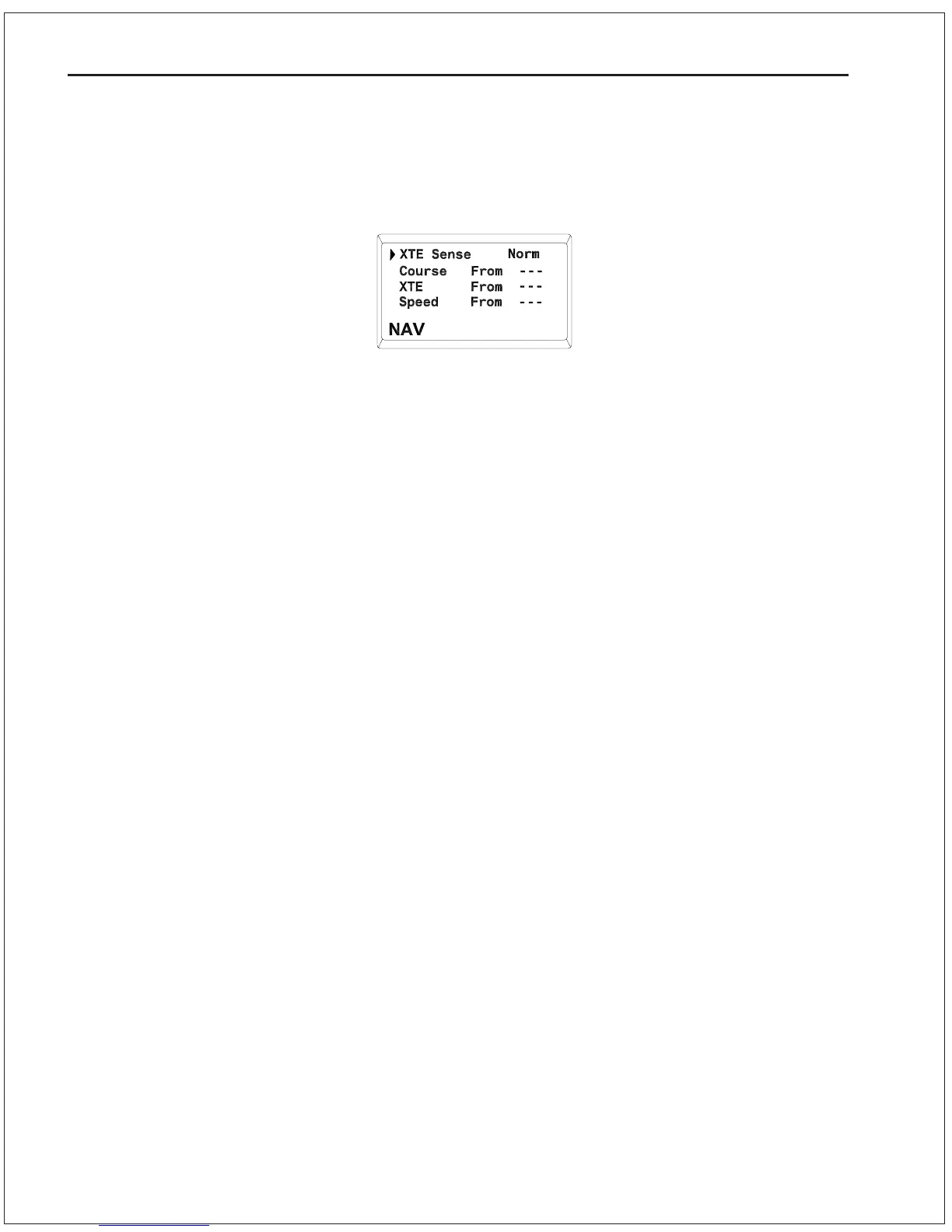
4. Bring up the NAV menu by double-pressing the NAV button twice
in quick succession. Ensure that the value for XTE (cross-track
error) is Norm. Use the ADJUSTMENT KNOB to change it if
necessary.
5. Observe the vessels response for several minutes. If the
vessel seems to be continually falling off course away from the
track, you need to reverse the sense of the XTE from Norm
(normal) to Rev (reverse). To do this, bring up the NAV menu
by double-pressing the Nav button twice in quick succession.
Use the ADJUSTMENT KNOB to change the value of XTE Sense.
Verify correct operation by manually steering back to the
waypoint track (switch to STANDBY mode first), and then
placing the Autopilot back into NAV mode. Obser ve the
vessels response as before.
If the vessel is wandering back and forth but there are no alarms on
the Autopilot or navigation device, the most common cause is poor
signal quality. This may be due to:
- Improper grounding.
- Electrical noise generated within the vessel (such as alternators,
power packs, etc.).
- Antenna location.
Refer to the navigation device manual for signal quality displays and
ideas on making improvements.
You may still use the DODGE buttons to avoid obstacles in the
water. The only difference between NAV and AUTOPILOT modes are
that after you release the DODGE buttons, the vessel will steer back
to its original track, rather than resuming its original course.
7 - 5 ADVANCED OPERATIONS



 To Next Page