ComNav 1101 Autopilot
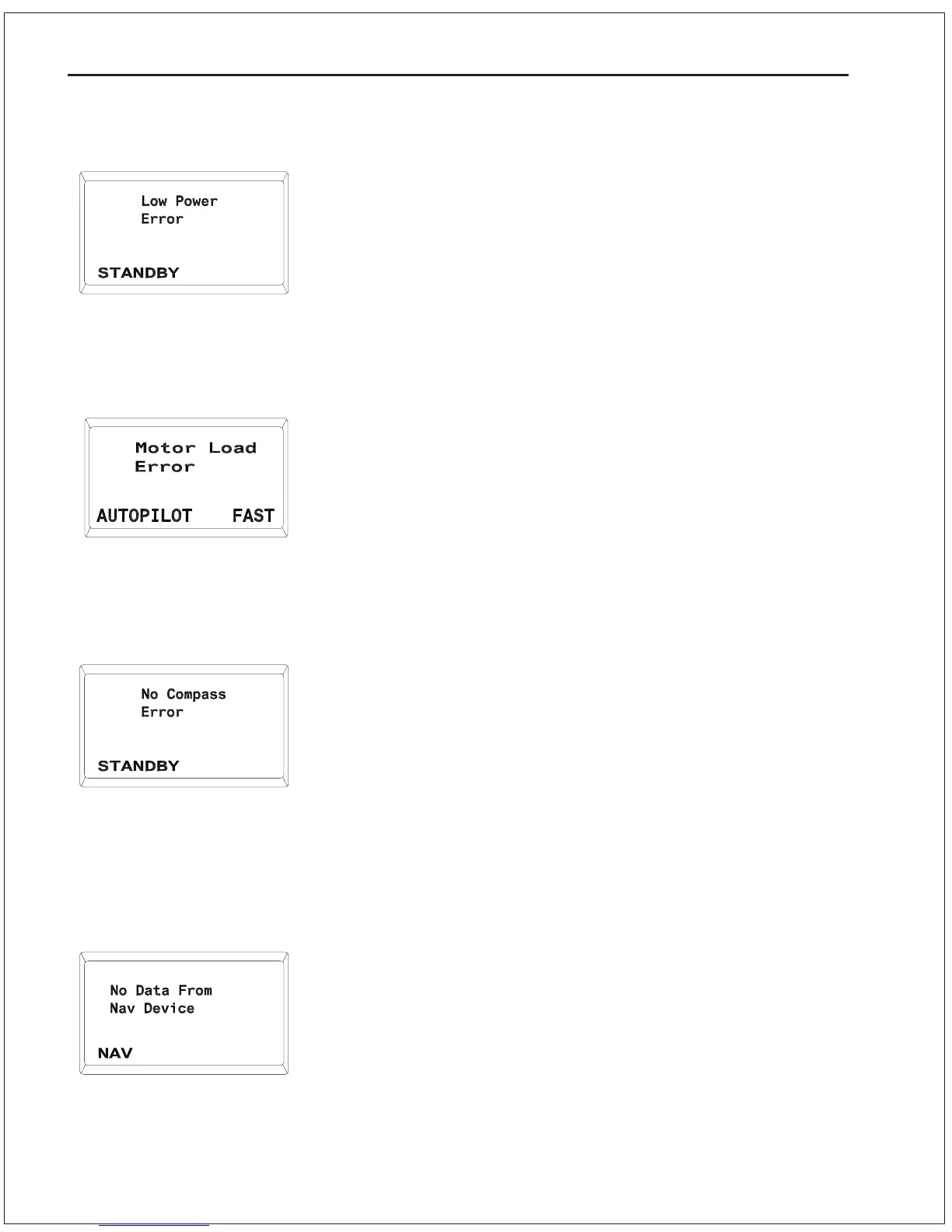
Low Power Error
The voltage supplied to the Autopilot has dropped below 10 VDC.
1. Check for proper alternator operation.
2. Test the vessels batteries to ensure they are in good shape.
3. Check all wiring and connections for tightness and signs of
corrosion.
Do not use the Autopilot until the problem has been rectified.
Motor Load Error
Similar to a Drive Box Overheated error, this error will occur if the
level of operating current and/or temperature fed back to the
Autopilot from a Drive box exceeds a safety margin. The difference
is that this message can occur only in AUTOPILOT mode or NAV
mode.
1. Check for a jammed rudder or similar problem that would cause
an excessive load on the motor.
No Compass Error
The Autopilot is not receiving signals from the Magnetic Sensor or
Fluxgate Compass. The Autopilot will only function in STANDBY
mode or POWER STEER mode.
1. Check that the Magnetic Sensor or Fluxgate Compass is
securely connected into the receptacle on the rear of the SPU
labeled Compass.
2. Check that the Autopilot is correctly configured for the type of
compass. See Compass Configuration in Section 5Getting
Started.
No Data From Navigation Device
The Autopilot is not receiving any recognizable data from the
navigation device.
1. Check to see that the navigation device is turned on and in
good working order.
2. Check to ensure that the navigation device is configured to
output the required NMEA sentences. See Navigation
Interface in Section 7Advanced Operations for details on the
required sentences.
9 - 9 PROBLEM SOLVING



 To Next Page