ComNav 1101 Autopilot
3. The navigation device may not be transmitting any data. Some
navigation devices transmit data only when there is an active
waypoint programmed in to them. Remove the Distribution Box
cover and check that the LED labeled NAV is blinking at a rate
of about once per second. However, be aware also that some
navigation devices output a default data sentence until such
time as an active waypoint has been programmed in. The
default data sentence may not contain any information useful to
the Autopilot, but it will still cause the LED lamp in the
Distribution Box to blink. Your navigation device manual may
give more information.
4. Check the cabling between the navigation device and the
Autopilot.
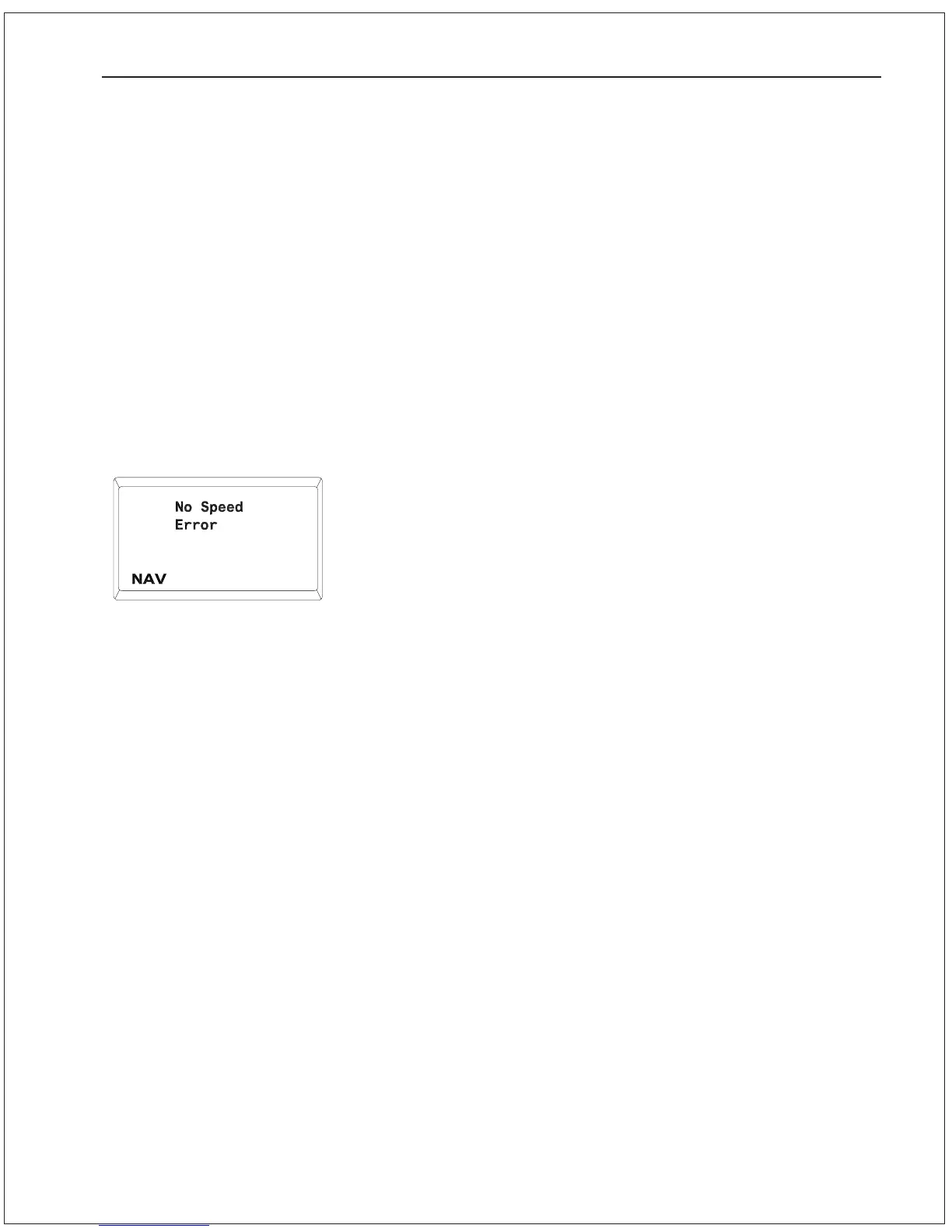
No Speed Error
This message will be displayed briefly once every 20 seconds if the
following conditions are met:
a) The Autopilot is in either AUTOPILOT mode or NAV mode.
b) The Autopilot is configured to automatically switch between
SLOW and FAST steering parameters at a specific trip point
speed.
c) The Autopilot is not receiving any sentences from the navigation
device that contain information about the vessel speed.
1. Check to see that the navigation device is turned on and in
good working order.
2. Check to ensure that the navigation device is configured to
output the required NMEA sentences. Check that the navigation
device is supplying the correct NMEA sentences. See Section
7Advanced Operations for details on the required NMEA
sentences.
3. The navigation device may not be transmitting any data. Some
navigation devices transmit data only when there is an active
waypoint programmed in to them. However, be aware also that
some navigation devices output a default data sentence until
such time as an active waypoint has been programmed in. The
default data sentence may not contain any information useful to
the Autopilot, but it will still cause the LED lamp in the
Distribution box to blink.
4. Check the cabling between the navigation device and the
Autopilot.
PROBLEM SOLVING 9 - 10


 To Next Page
 Loading...






