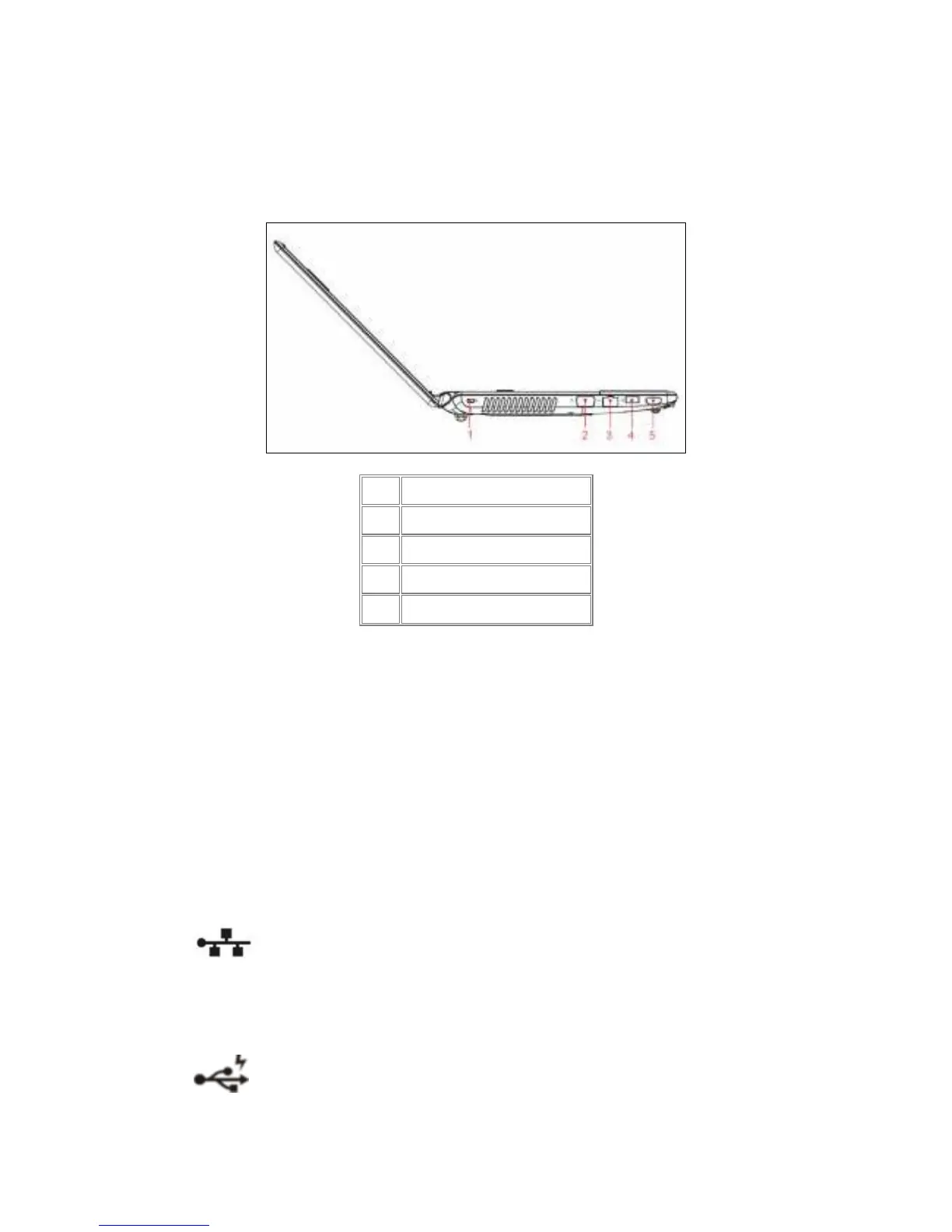
Left Side
The following picture shows the left side of your notebook.
1.1.7 Kensington Lock
A Kensington Security Slot is a small, metal-reinforced hole found on almost all small or
portable computer and electronics equipment, particularly on expensive and/or relatively
light ones, such as laptops, computer monitors, desktop computers, gaming consoles, and
video projectors. It is used for attaching a lock-and-cable apparatus, in particular those from
Kensington.
1.1.8 LAN (RJ-45)
The LAN allows you to connect your notebook to an internet line with a
standard RJ-45 connector.
1.1.9 USB Ports
Use this port to connect a USB device, such as a mouse, external keyboard,
or printer to the computer.
1
Kingston Lock
2
VGA(Black)
3
RJ-45
4
Power USB
5
HDMI



 To Next Page