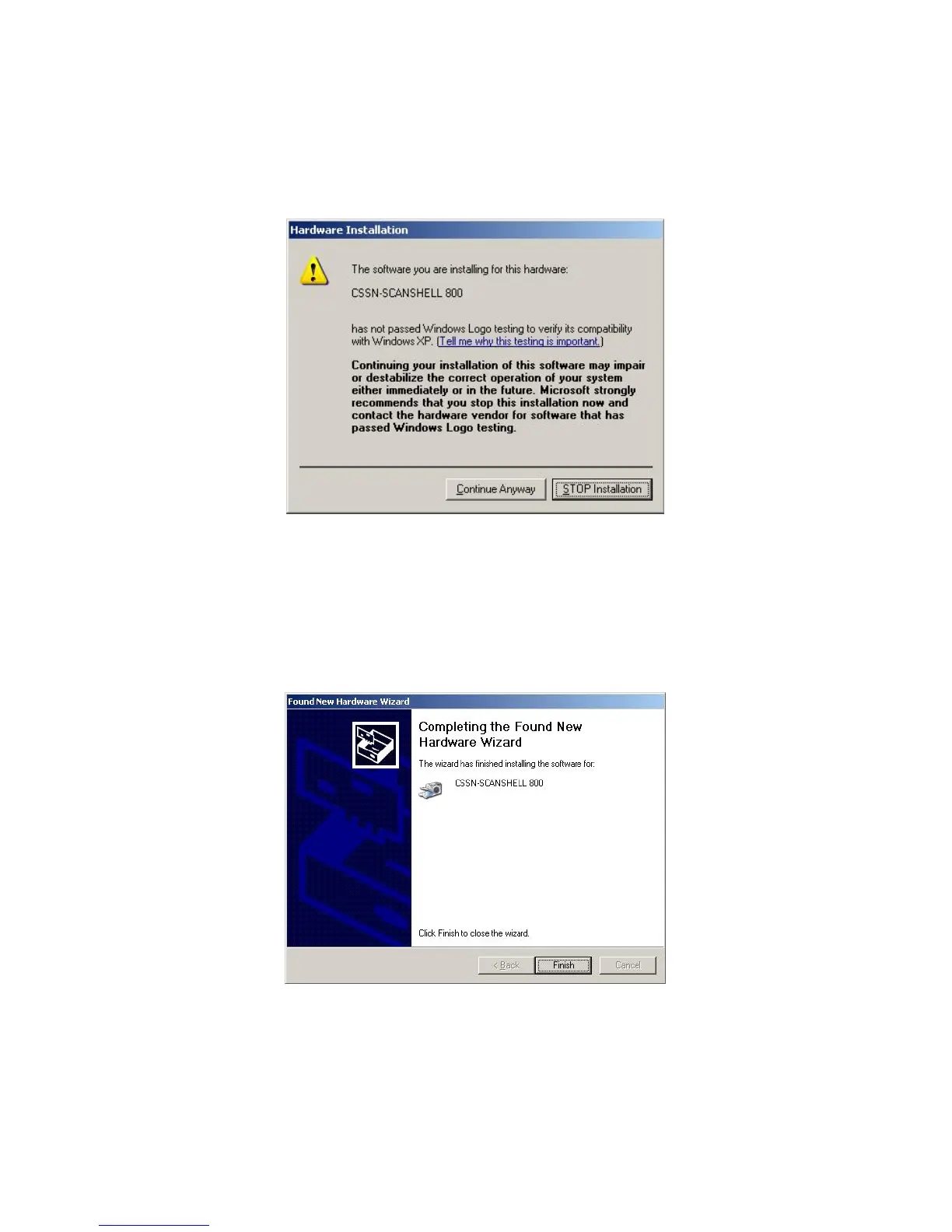
During the hardware installation, Windows will prompt you that the software you are
installing has not passed Windows Logo testing. Select to Continue Anyway (Image
13).
Image 13
When the hardware set-up process has completed, you will be notified by Windows
that the wizard has finished installing the software for the CSSN SCANSHELL 800.
Click Finish (Image 14).
Image 14
The scanner is now installed and ready for use.
IG0069.2 — V6450 Driver’s License Optical Scanner Page 8 of 16


 To Next Page