English 1-7
Writer: M. Silvetti Saved by: Marianne Silvetti Saved date: 06/24/98 3:26 PM
Pages: 14 Words: 2536 Template: c:\msoffice\templates\working\comm.dot
File Name Ch1_en.doc Part Number 307716-002
Operating the Monitor
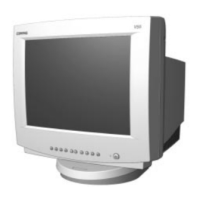
Front Control Panel
Icon Control Function
1
Contrast Adjusts contrast.
2
Brightness Adjusts brightness.
3
Select Button 1. Launches on-screen display.
2. Selects Function adjustments.
3. Exits menus and on-screen display.
4
−
Minus Button Selects and adjusts functions.
5
+
Plus Button Selects and adjusts functions..
6
Power Saving LED 1. Green indicates monitor is turned on.
2. Yellow indicates suspend mode.
3. Amber indicates sleep mode.
7
Power Switch Turns the monitor on and off.
✎
Setting Contrast and Brightness controls to their maximum
settings may cause the screen to seem out of focus. To correct
this appearance, decrease the Brightness setting.


 To Next Page
 Loading...