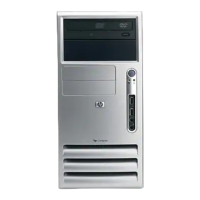
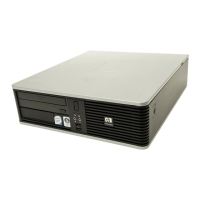
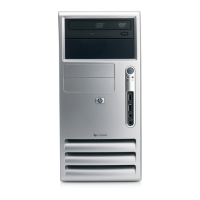
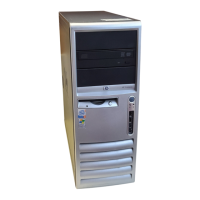
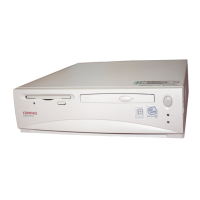
System does not power on and the LEDs on the front of the computer are not flashing.
Cause
Solution
4. Check to see if the 5V_aux light on the system board is
turned on. If it is turned on, then replace the power button
harness.
5. If the 5V_aux light on the system board is off, then replace
the power supply.
6. Replace the system board.
Table 2-1 Solving General Problems (continued)
ENWW Solving General Problems 13



 To Next Page
 Loading...