Need help?
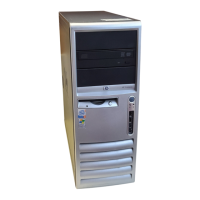
Do you have a question about the Compaq dc7100 - Convertible Minitower PC and is the answer not in the manual?
Steps to enable the Embedded Security chip via BIOS Computer Setup.
Steps to create a user account, generate keys, and set up a PSD.
Procedure for recovering data after a system restore or chip replacement.
 General
| Memory | Up to 4 GB DDR SDRAM |
|---|---|
| Graphics | Integrated Intel Graphics Media Accelerator 900 |
| Processor Speed | Up to 3.8 GHz |
| Operating System | Windows XP Professional |
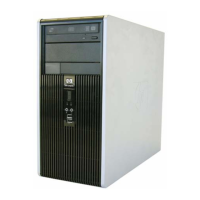
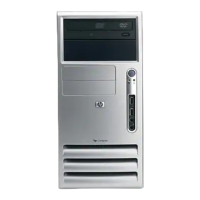
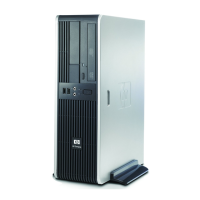
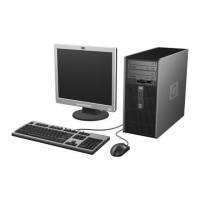
| Form Factor | Convertible Minitower |
| Processor | Intel Pentium 4 |
| Chipset | Intel 915G Express |
| Storage | 40GB to 160GB HDD |
| Optical Drive | DVD-ROM, CD-RW, DVD+/-RW |
| Audio | Integrated AC'97 audio |
| Network | Integrated Intel Gigabit Ethernet |
| Expansion Slots | 1 PCI Express x16, 3 PCI |
| USB Ports | 8 USB 2.0 (2 front, 6 rear) |
| Drive Bays | 2 external 5.25-inch, 1 external 3.5-inch, 2 internal 3.5-inch |
| Ports | Serial, parallel, PS/2, audio in/out |






 To Next Page