Removal and Replacement Procedures
Maintenance and Service Guide 5–45
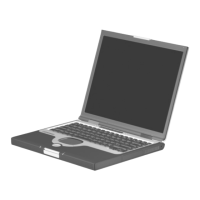
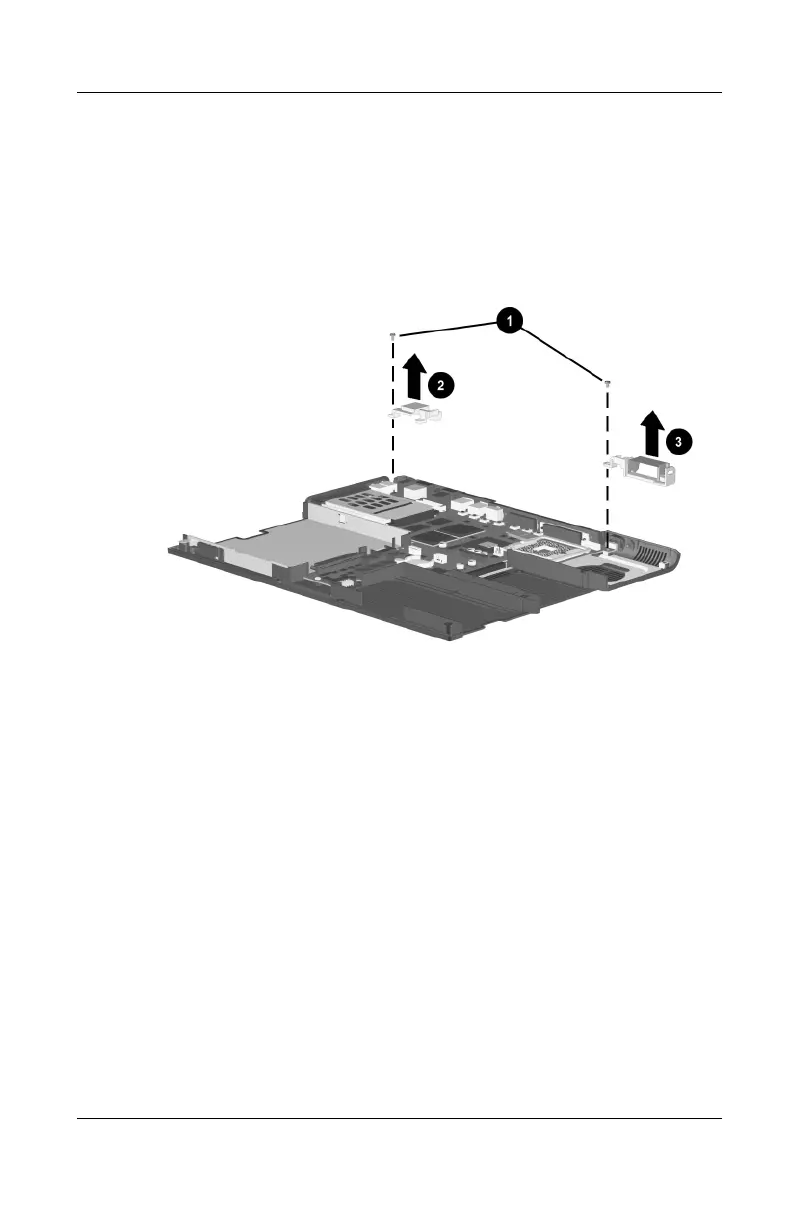
3. Remove the two PM2.0 × 8.0 screws 1 that secure the left 2
and right 3 display supports to the base enclosure
(Figure 5-32).
4. Remove the left and right display supports from the base
enclosure.
Figure 5-32. Removing the Display Supports


 To Next Page
 Loading...