M
Y
P
RESARIO
—G
ETTING
S
TARTED
U
SING
Y
OUR
C
OMPUTER
3-11
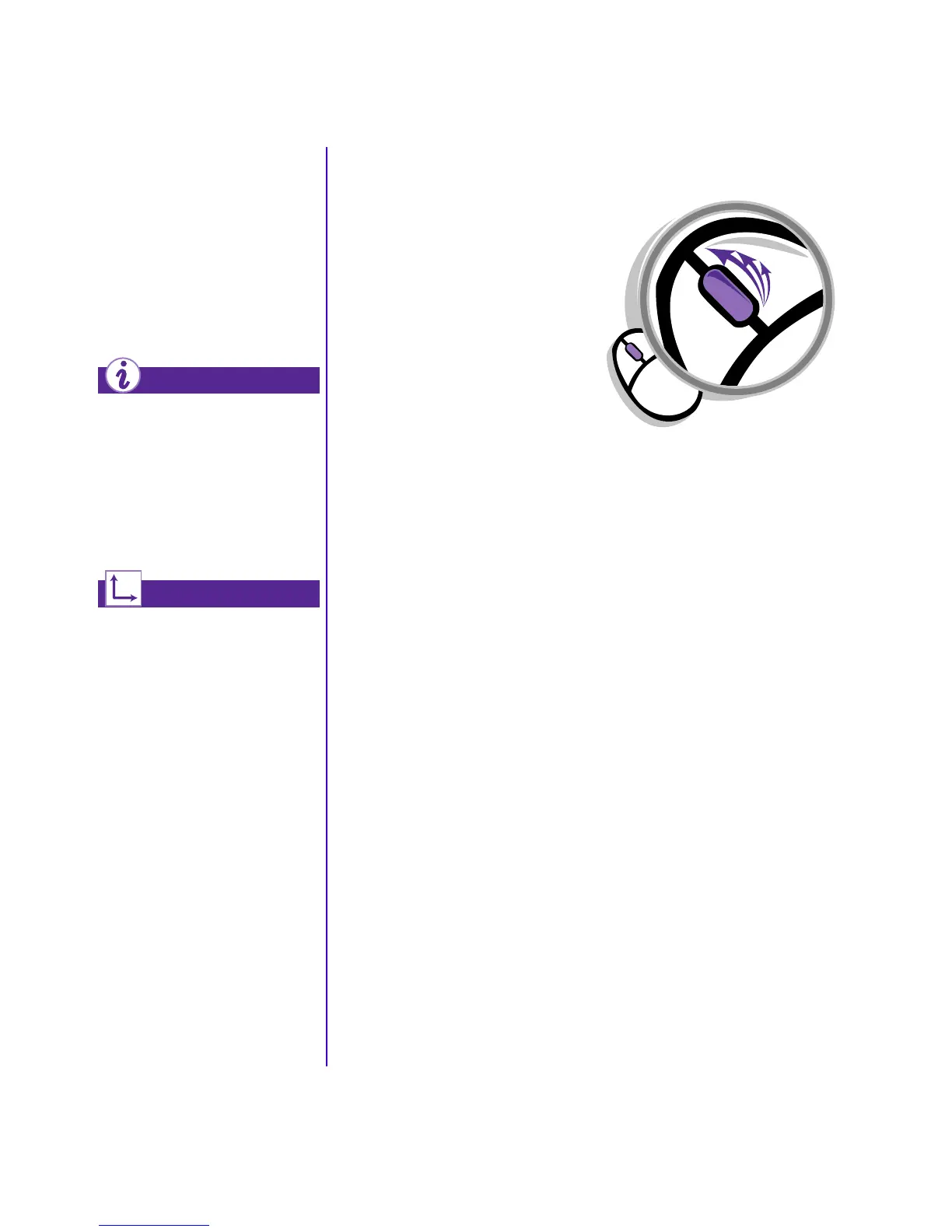
AutoScroll allows you to
move forward and
backward through a
document without having
to move the mouse or
mouse wheel continuously.
The scroll mouse can be
customized for a left-handed
user from the Mouse
Properties dialog box. (Open
the Control Panel and
right-click the mouse icon)
Refer to the “Features Inside
Your Co m p uter” section of the
“Learning More” CD for
additional information about
the scroll mouse.
Did you know ...
See also ...
Autoscrolling
1. Open a program and press the
scroll wheel to begin
autoscrolling.
2. Move the mouse once in the
direction you want to scroll
(vertically, horizontally, or
diagonally). The farther you
move the cursor from the
starting point, the faster the
scrolling.
3. To stop autoscrolling, press a
mouse button.


 To Next Page
 Loading...