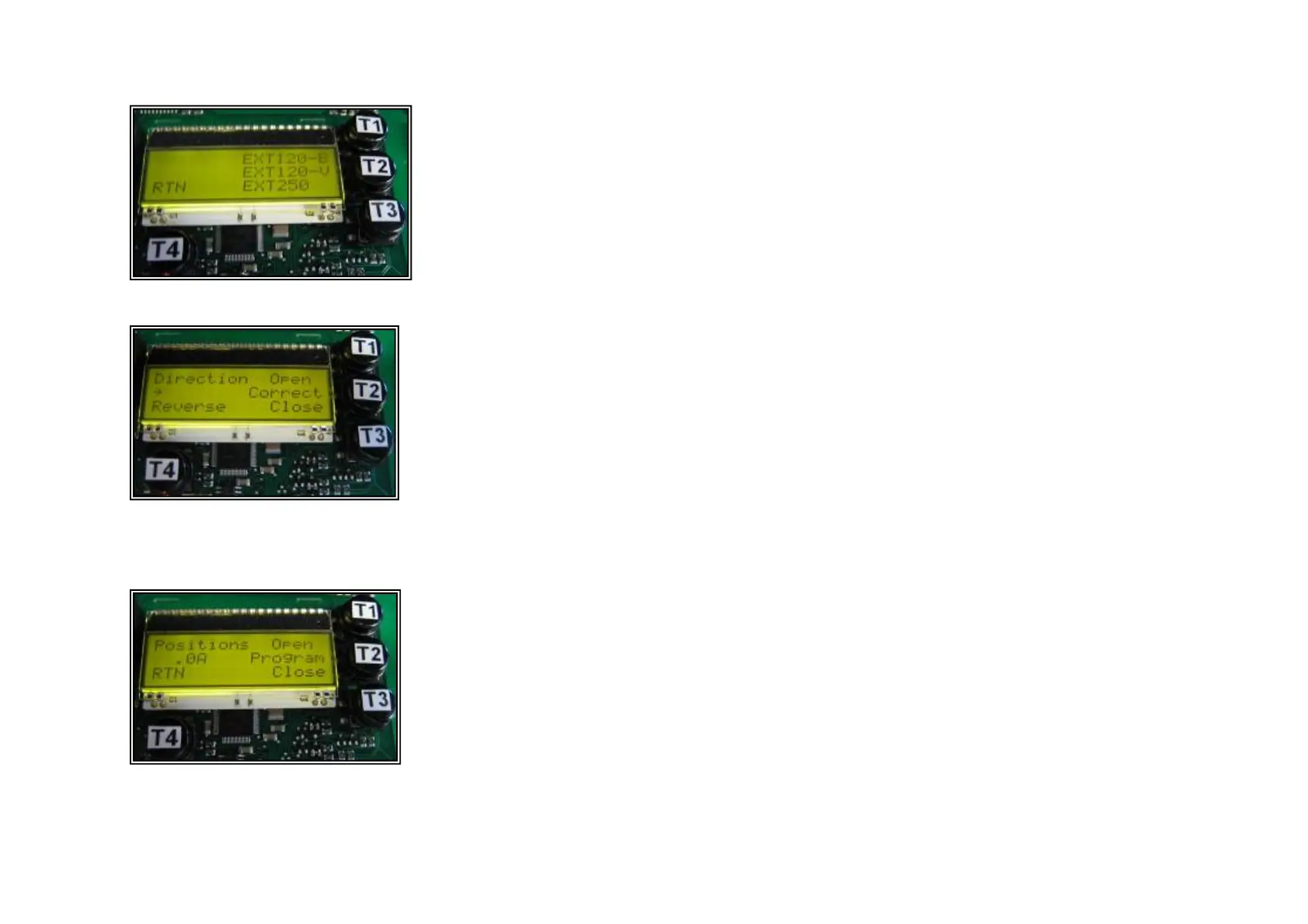
STEP3 : Display C: Select motor type
STEP4 : Display D: Check direction of rotation
Select SCUBA-A and confirm with T2
Check motor direction of rotation by
pushing T1. If the cover is opening, push
T2. If not, change by pushing T4 and
confirm with T2.
STEP5 : Display E: Program end positions
Push T1 and hold the button to open the cover to
the end position. To save the OPEN position, first
push T2, hold and simultaneously push T1.
Confirmation will appear on the LCD screen.
Push T3 and hold the button to close the cover to
the end position. To save the CLOSE position,
first push T2, hold and simultaneously push T3.
Confirmation will appear on the LCD screen.



 To Next Page