!
+%-72'66+0)5
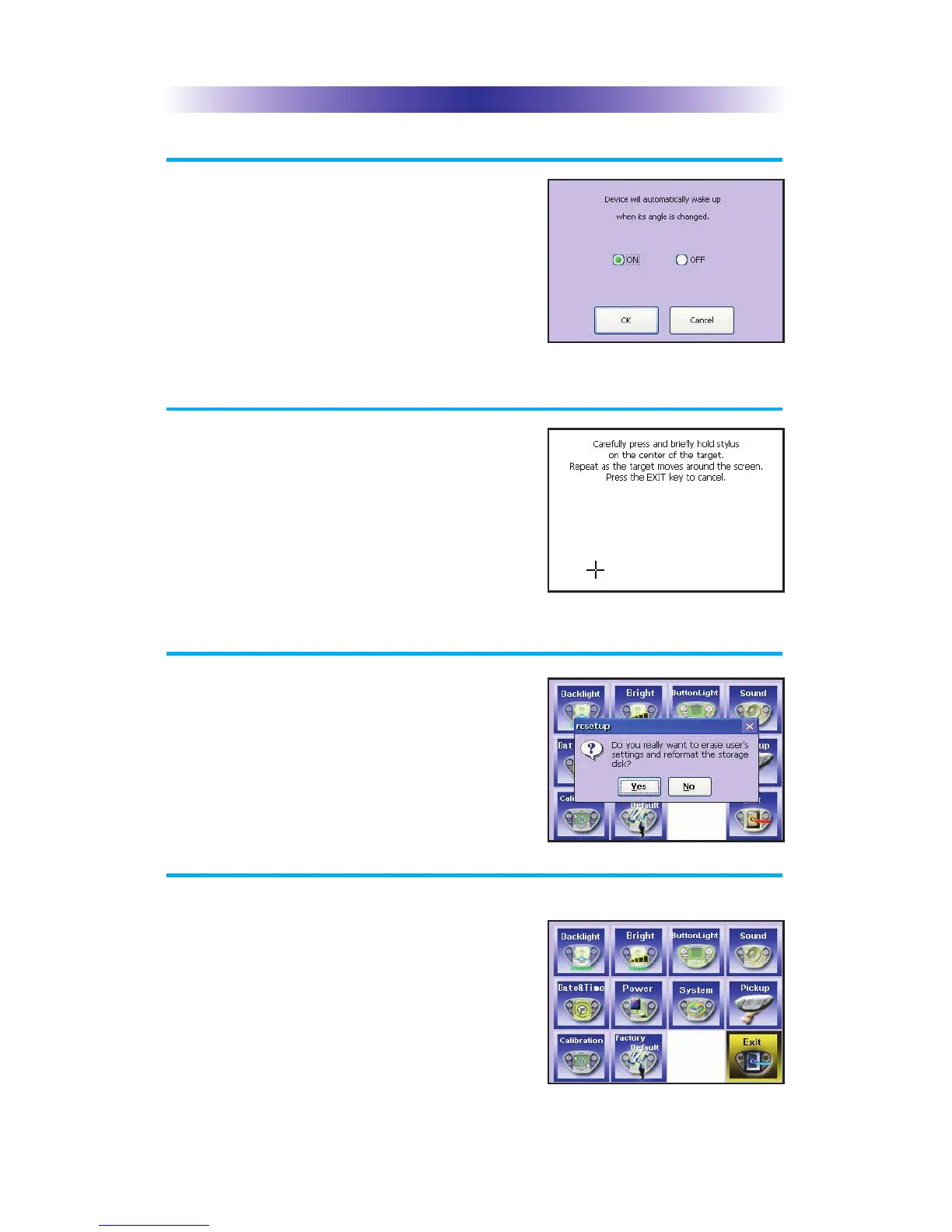
You can set your MX-3000 to only turn on
when touched, or every time you move it.
#.+$4#6+10
If you like, you can calibrate where you tap
by running the calibration. You will need a
pen top or PDA stylus to do this. Do not
attempt to calibrate using your fingers.
#%614;'(#7.6
WARNING! Only use this button when
instructed to by Technical Support. It resets
the memory of the MX-3000 to the factory
condition. All your programming will be lost!
:+6
When you have finished adjusting Settings,
simply tap the EXIT button to return to
normal operation.
The Pickup Screen
The Calibration Screen
The Default Screen
The Exit Button
#)'



 To Next Page