!
5+0)6*'*#4)+0)#5'
Plug the 5V DC adapter into a
power outlet and into the back of
the charging base.
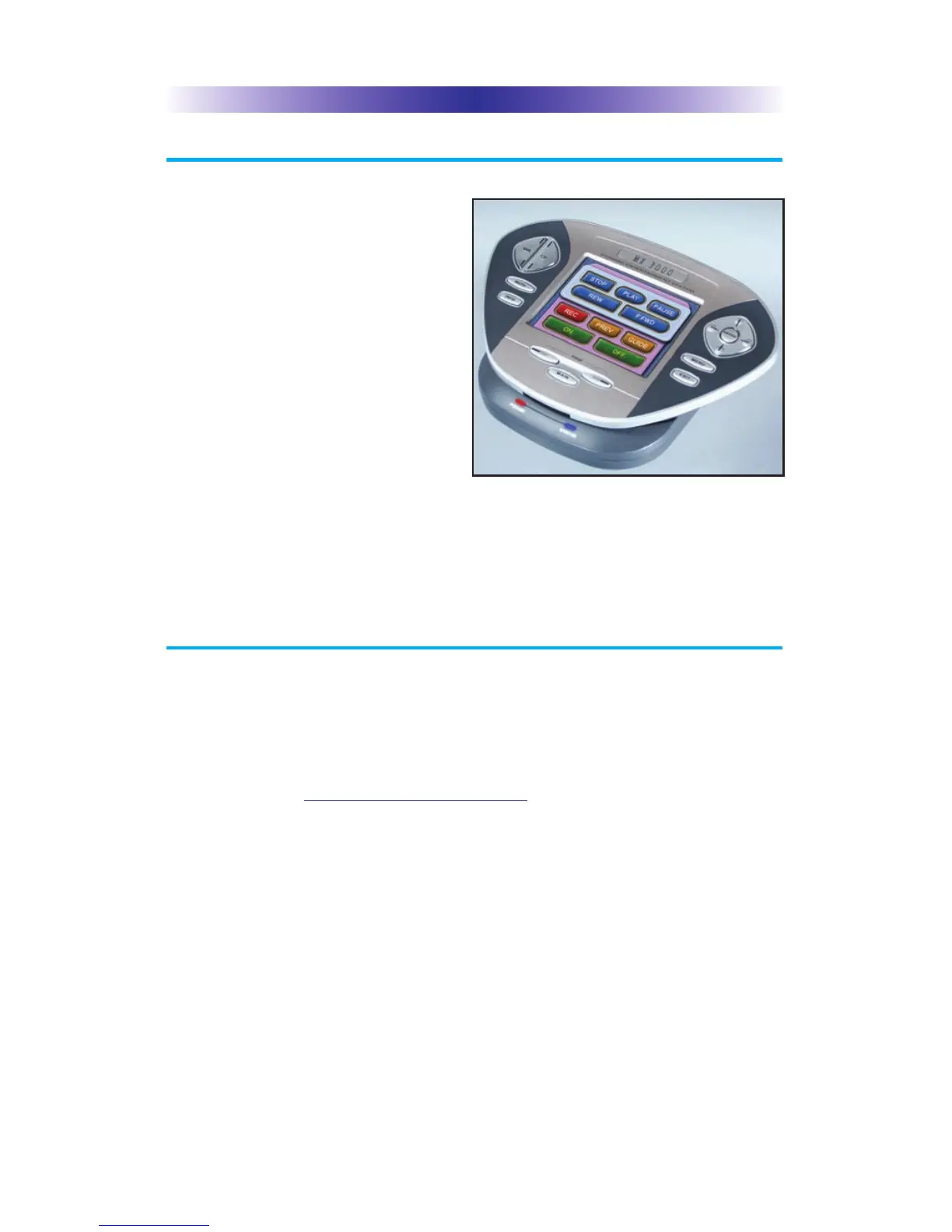
Gently place the MX-3000 into the
cradle of the charging base.
Push down on the base of the
MX-3000 until you hear and feel a
firm “click”.
The Status light should immediately
light. Red indicates that it is
charging. Blue shows that it is fully
charged. There is no harm in leaving the MX-3000 on its charging base
whenever it is not in use.
41)4#//+0)6*'!
The MX-3000 is programmed via a windows PC equipped with a USB port
(we include a programming cable in the box), using our proprietary
software, MX-3000 Editor. You can download this software from our
website:
www.universalremote.com
Basic setup takes only a few minutes with this software. However, to fully
automate an audio/video system the user must have a detailed knowledge
of how the system is connected and operated. We highly recommend that
you use a professional audio/video installer to program your MX-3000 if
you would like to enjoy one touch operation via macros.
The MX-3000 on it’s Charging Base.
#)'



 To Next Page